Drive performance and growth with one-on-one meeting software





Turn data into coaching moments that move your people forward
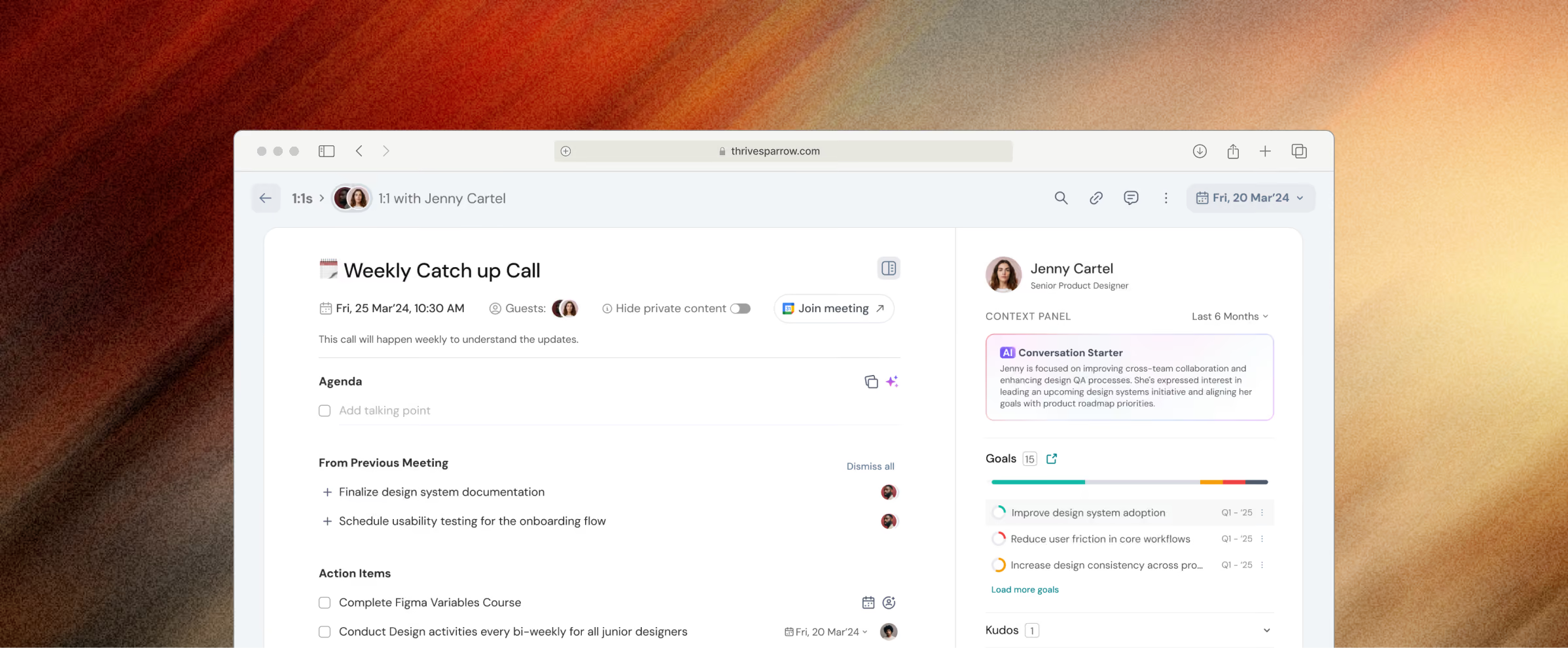
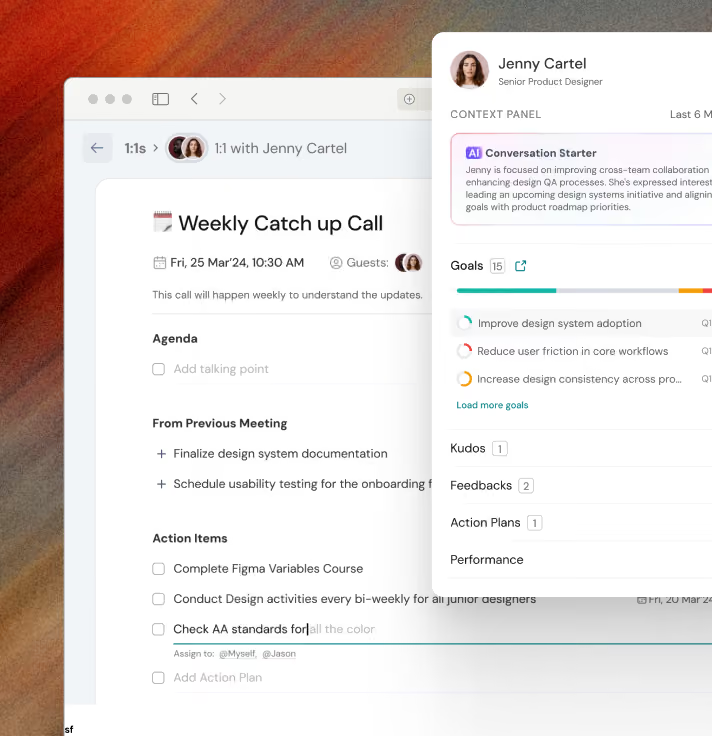
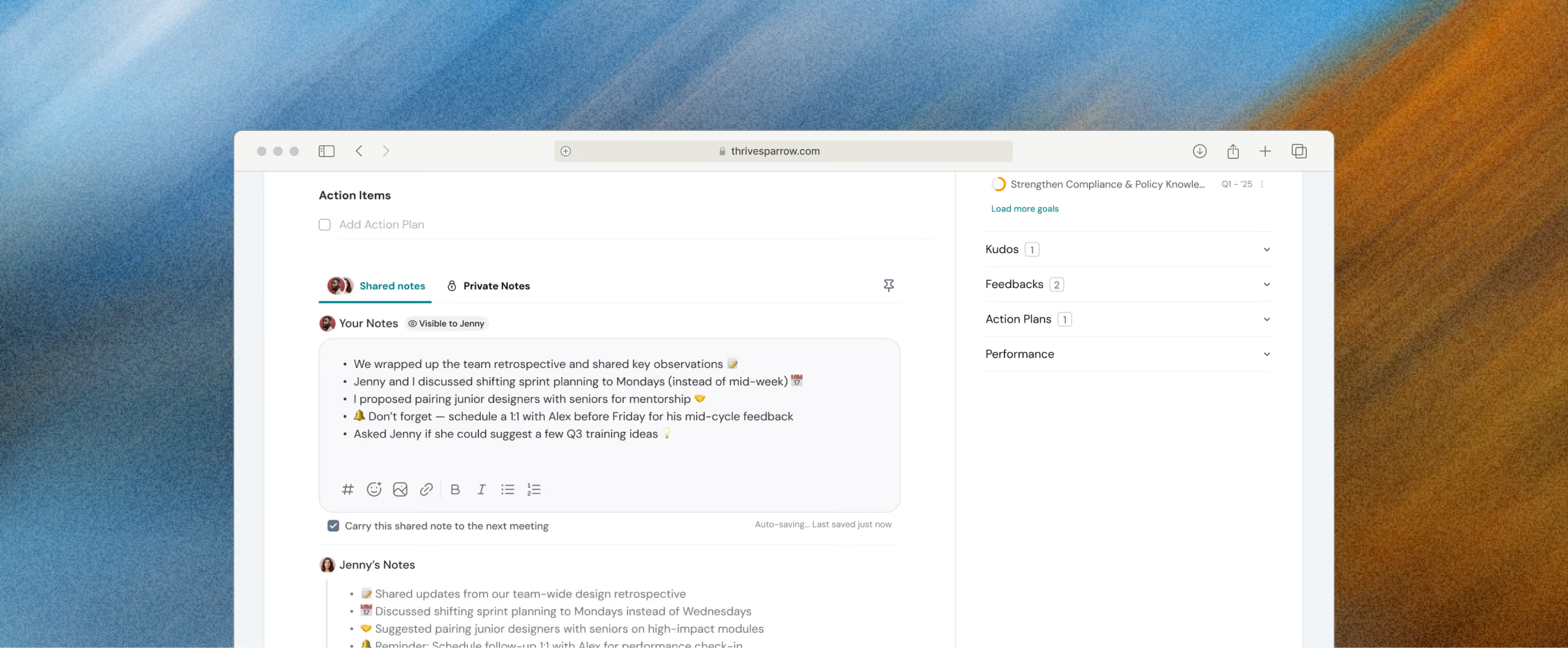
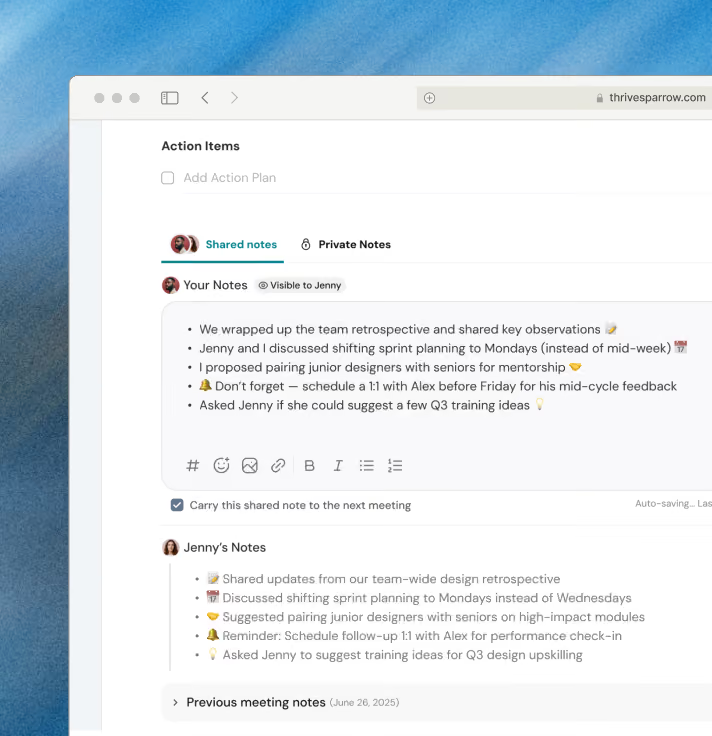
Make every 1:1 a performance conversation, not a status update
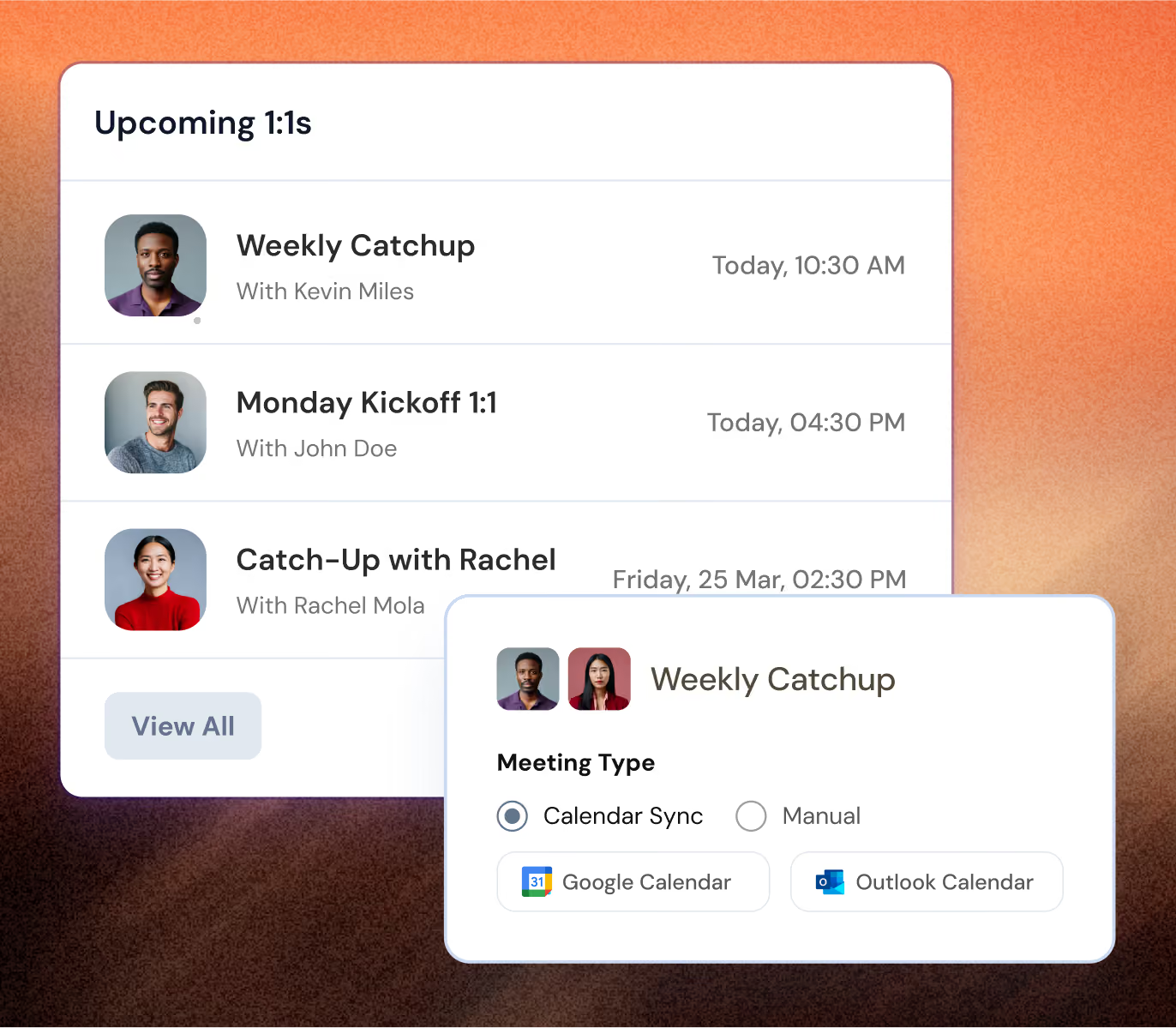
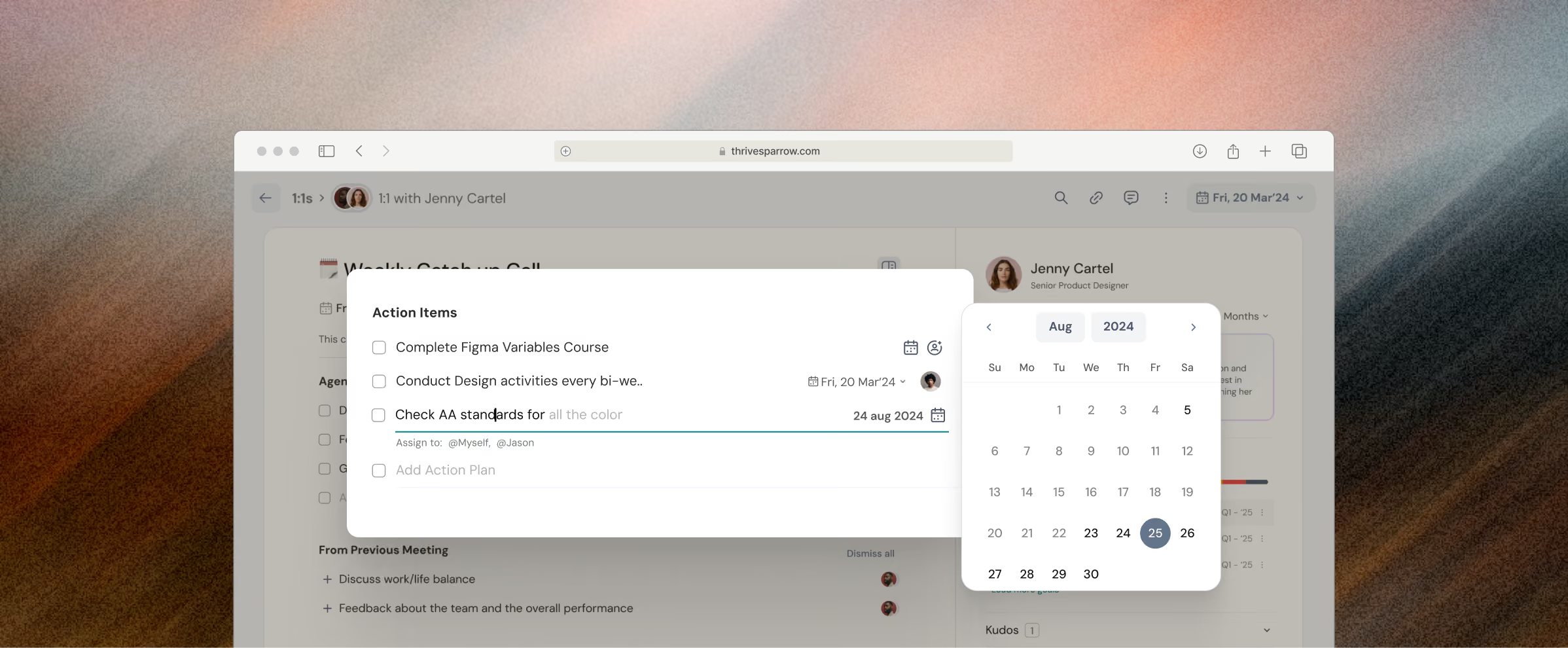
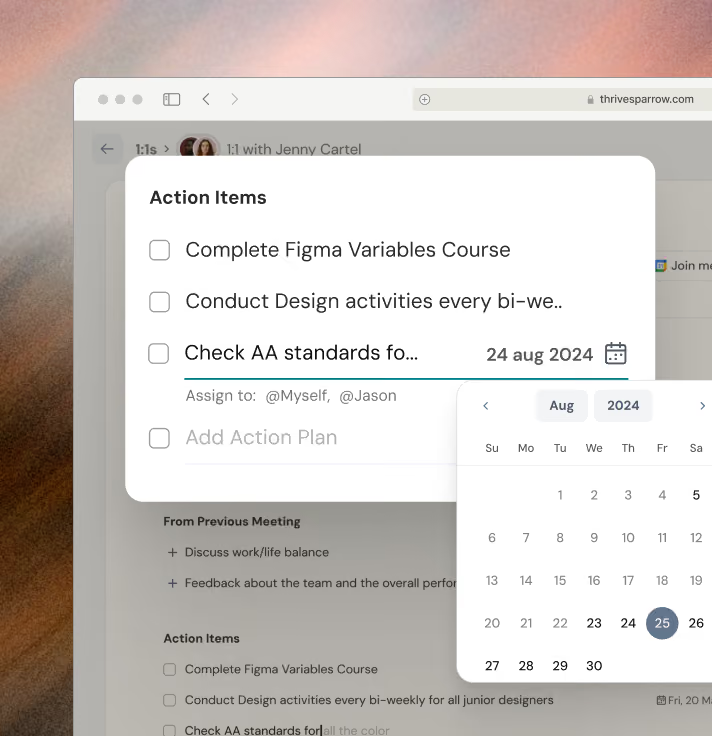
Schedule 1:1s effortlessly with seamless calendar syncs
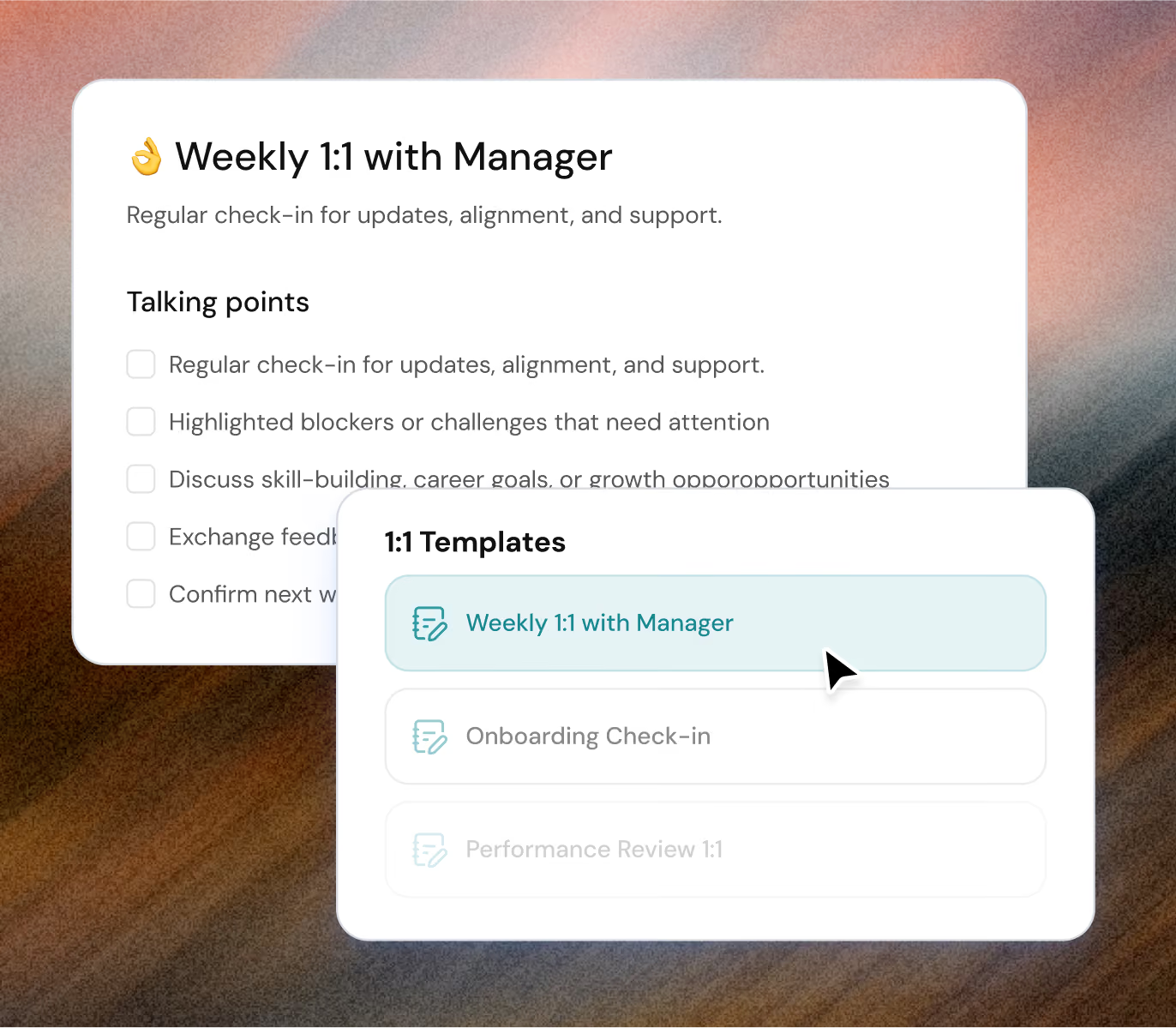
Run structured meetings with one-on-one templates that keep you ready
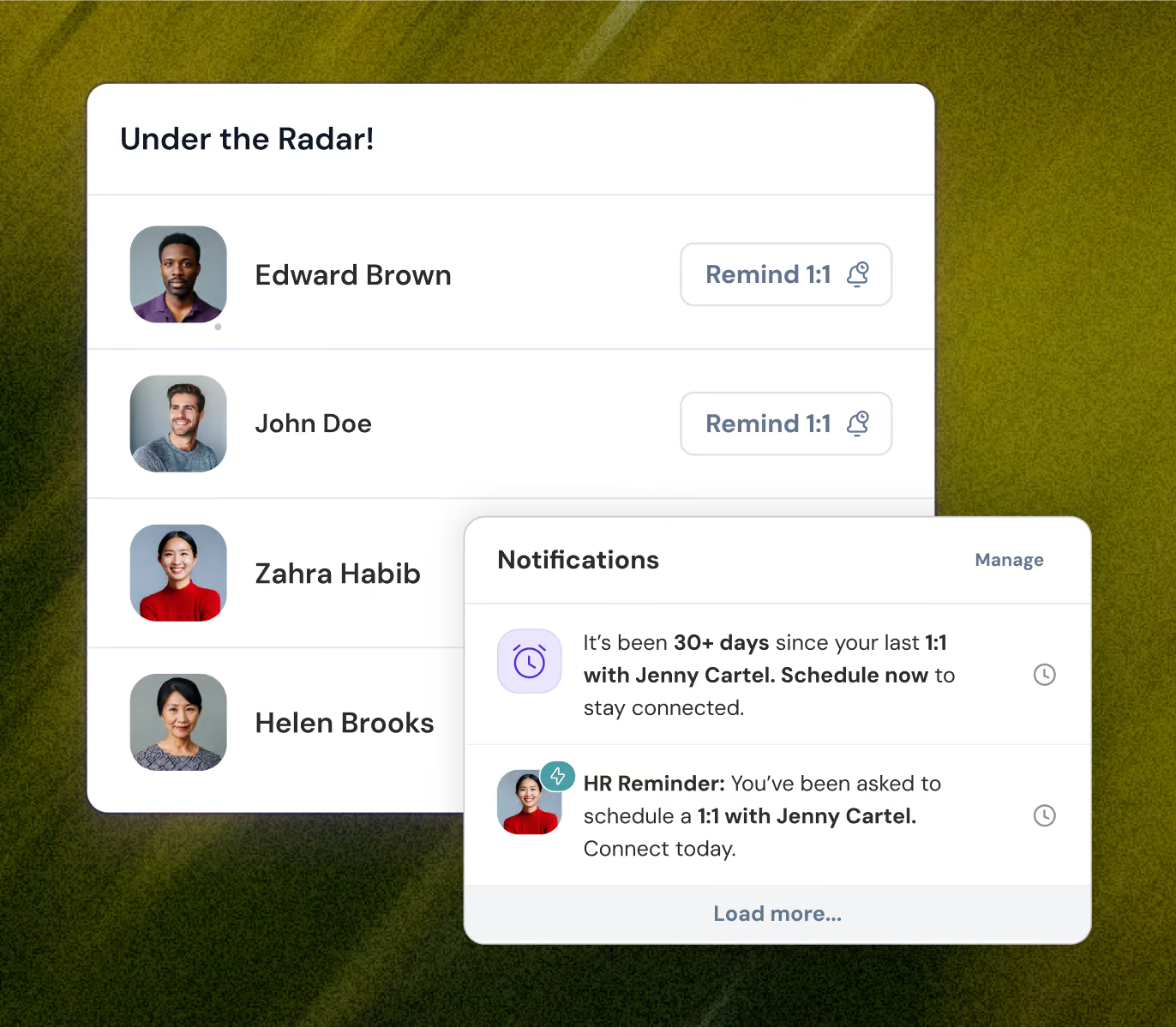
Never miss a 1:1 again with smart nudges on autopilot
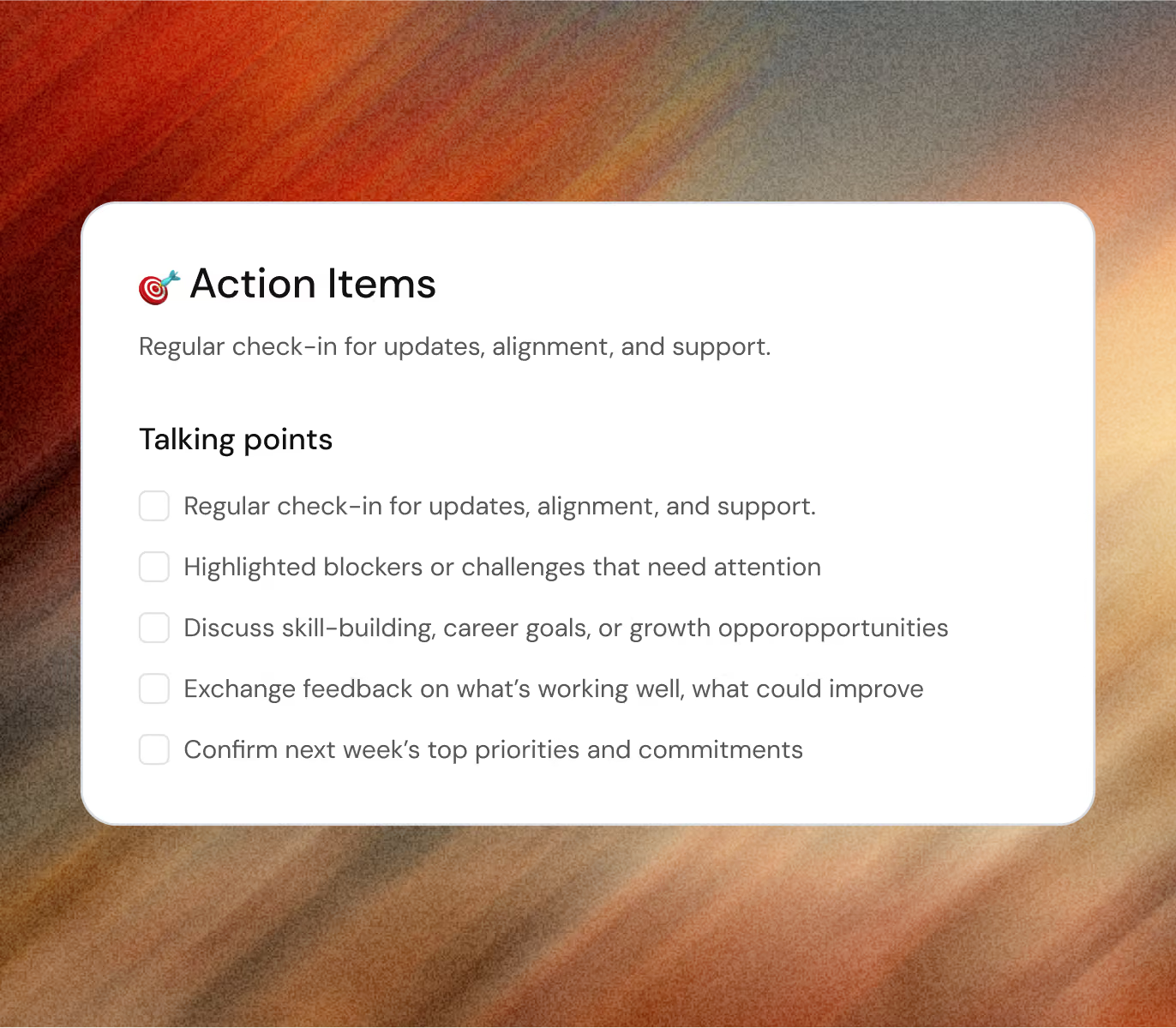
Turn every one-on-one into meaningful progress
Our customers' wins are our wins too, from day one












Got questions?
We're right here!
What is one-on-one meeting software?
One-on-one meeting software helps managers and employees run structured 1:1 conversations with shared notes, action items, and built-in one-on-one templates to keep discussions focused and actionable.
How do one-on-one tools help improve team performance?
One-on-one tools improve team performance by enabling consistent manager check-ins, capturing real-time feedback, and supporting employee performance tracking through clear action items.
Can I schedule recurring 1:1 meetings automatically?
Yes, most one-on-one meeting software includes calendar integration that allows you to schedule recurring 1:1 meetings, send reminders, and maintain consistent check-in workflows.
What features should I look for in one-on-one software?
Look for features like shared meeting notes, action item tracking, one-on-one templates, calendar sync, and reminders that help streamline performance conversations and manager check-ins.
How does one-on-one meeting software support performance growth?
One-on-one meeting software supports performance growth by enabling continuous feedback, tracking progress over time, and turning conversations into clear employee development plans.
How often should one-on-one meetings be conducted?
One-on-one meetings are most effective when done weekly or bi-weekly, helping managers maintain consistent one-on-one check-ins, track progress, and keep feedback loops active.
Are one-on-one meeting notes shared between managers and employees?
Yes, most one-on-one meeting software allows shared notes so both managers and employees stay aligned on feedback, action items, and overall employee performance tracking.
What's the difference between one-on-ones and performance reviews?
One-on-ones are ongoing conversations, while performance reviews are structured evaluations. ThriveSparrow connects both, so discussions carry into reviews.
What should managers ask in a one-on-one meeting?
Ask about priorities, blockers, growth, recognition, and well-being. ThriveSparrow includes ready-made one-on-one templates to guide every conversation.
Can employees add their own agenda items?
Yes. Both managers and employees can add agenda items before the meeting, making every one-on-one a shared conversation rather than a status update.
Make everyday a success story for your people