LIFECYCLE SURVEY
Boost retention & fix onboarding gaps with automated lifecycle surveys
Set it once, and let it run. Collect time-sensitive insights at key moments like day 30, 60, or before exit—automatically triggered based on employee dates.
Book a Demo

JOIN THE BEST BRANDS IN THE WORLD




Setup once and let your lifecycle surveys run on auto-pilot
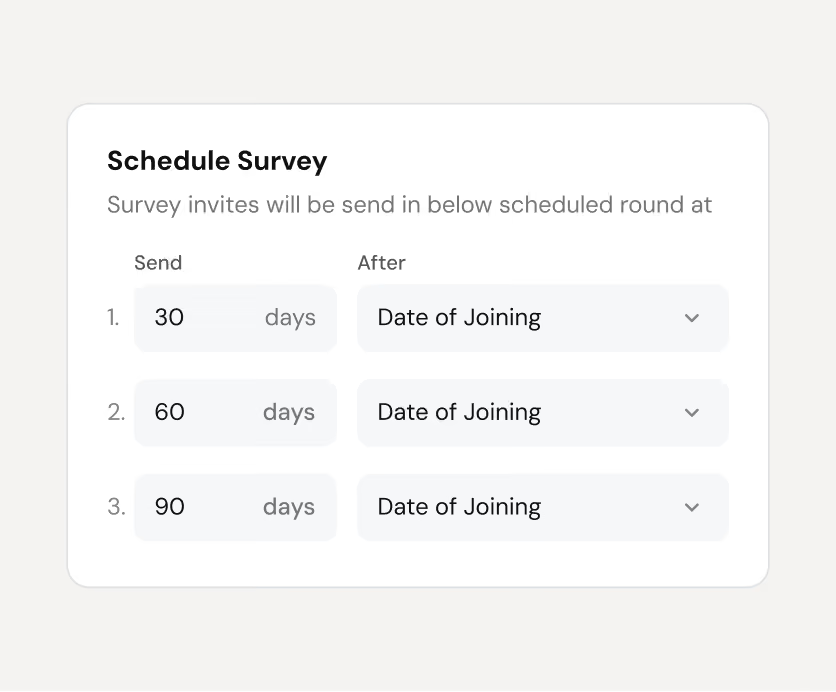
Track your new hire sentiments at 30, 60, and 90 days
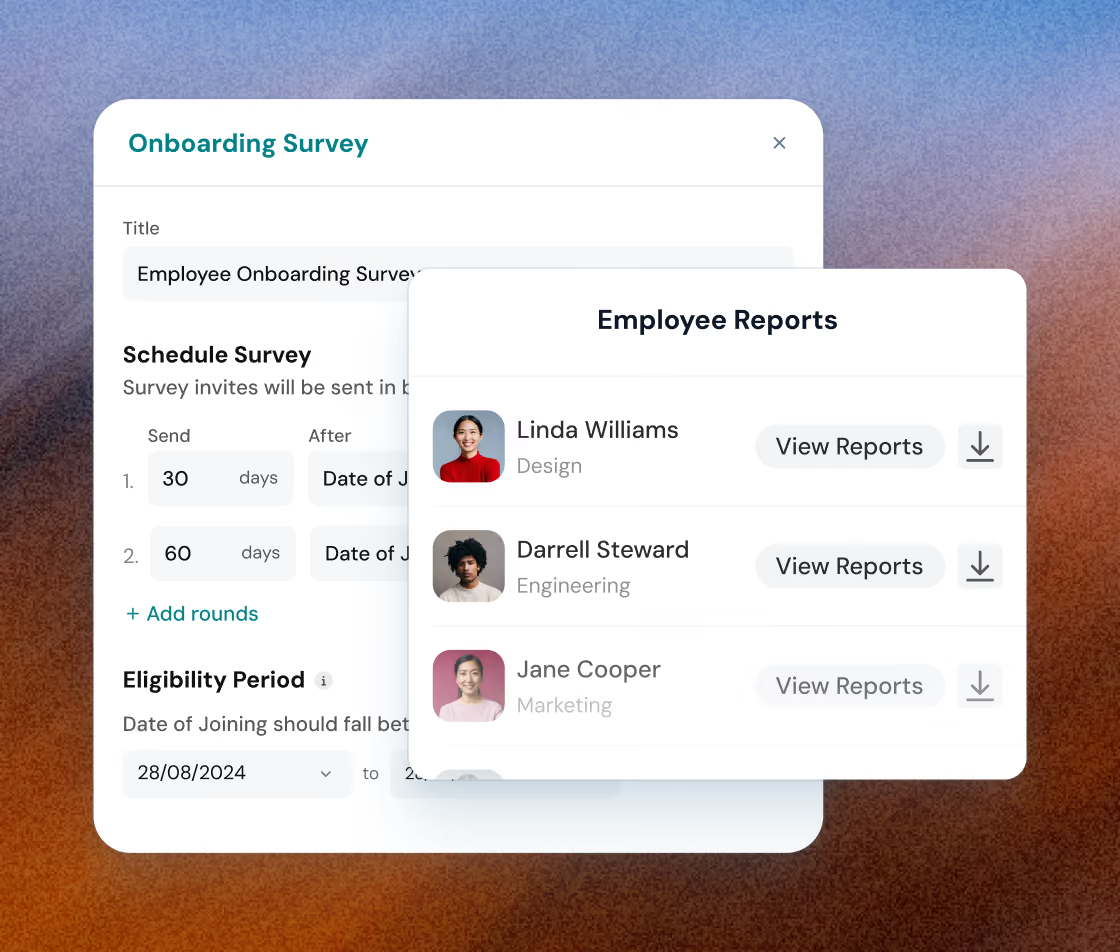
Automatically send surveys post-joining to uncover onboarding gaps and support your new employees better.

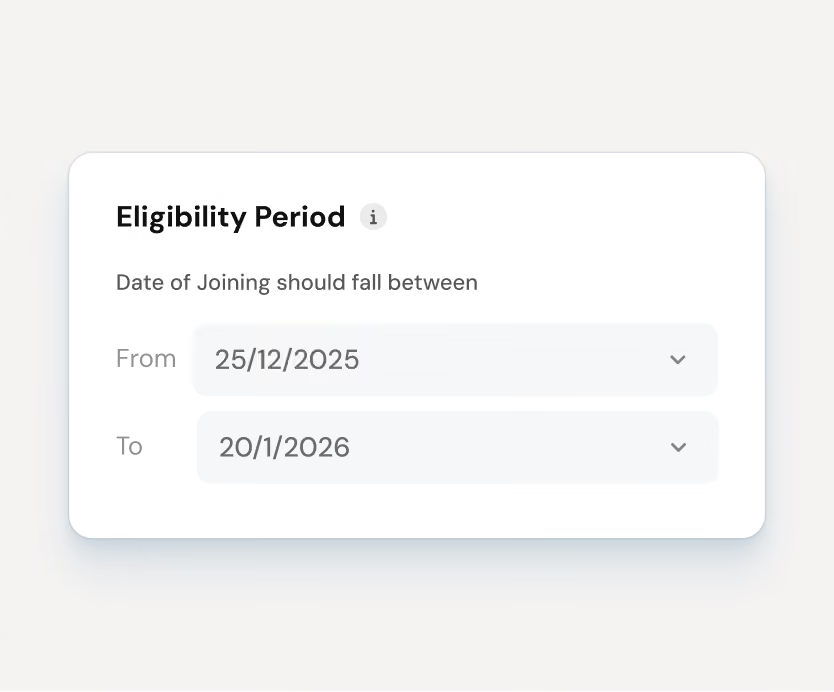
Trigger onboarding surveys automatically after their joining date
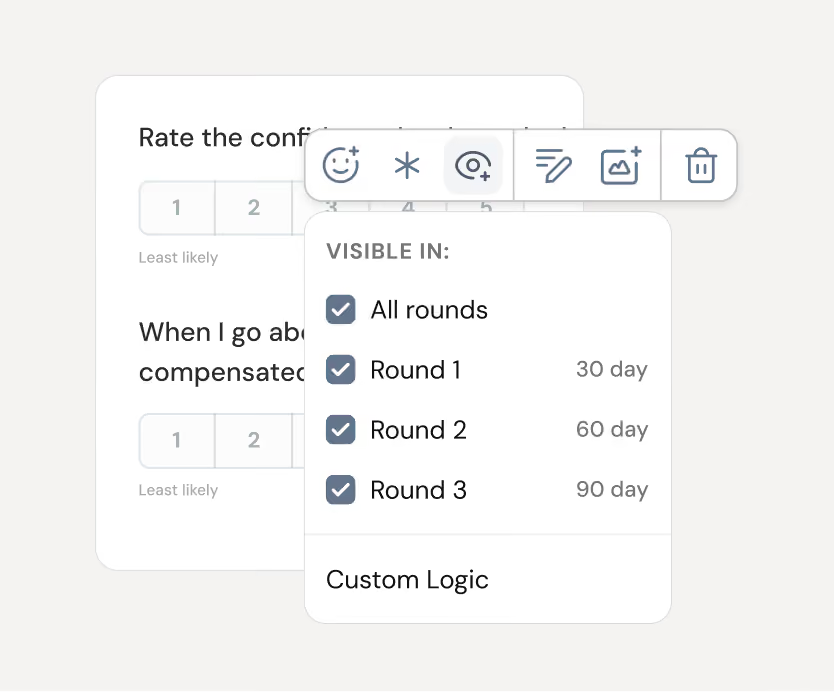
Customize what you ask at each stage of onboarding
Book a Demo
Collect exit insights before your employees leave
Collect candid feedback before exit. Trigger surveys ahead of their last day and follow up with exit interviews to uncover patterns and take action.
Schedule surveys to go out before their last working day
Let exiting employees respond via personal email
Book a Demo
Auto-schedule survey rounds for every employee journey
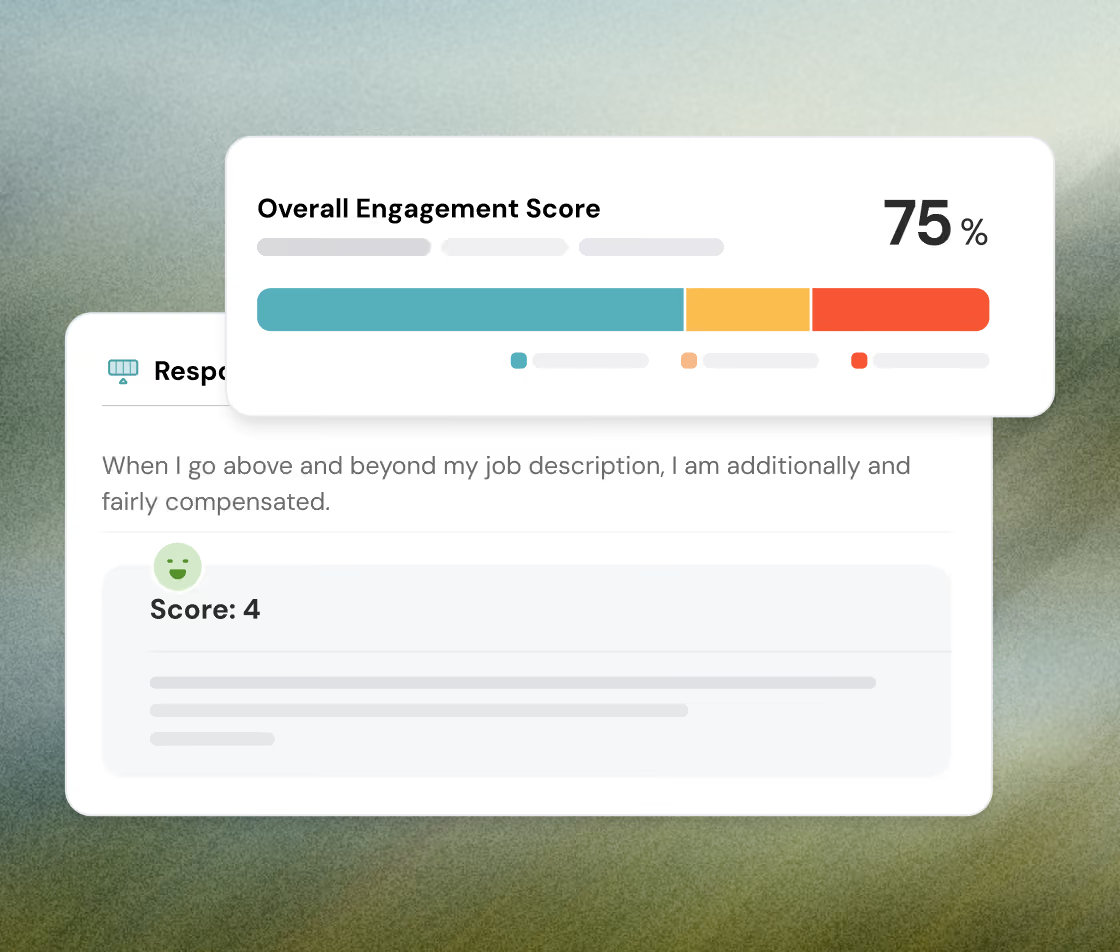
Assign custom feedback schedules based on each employee's journey. Surveys trigger automatically, so no one slips through the cracks.
Trigger multi-round feedback automatically, no manual follow-ups needed
Track progress instantly with real-time status: completed, ongoing, or pending
Book a Demo
Make surveys accessible to every employee
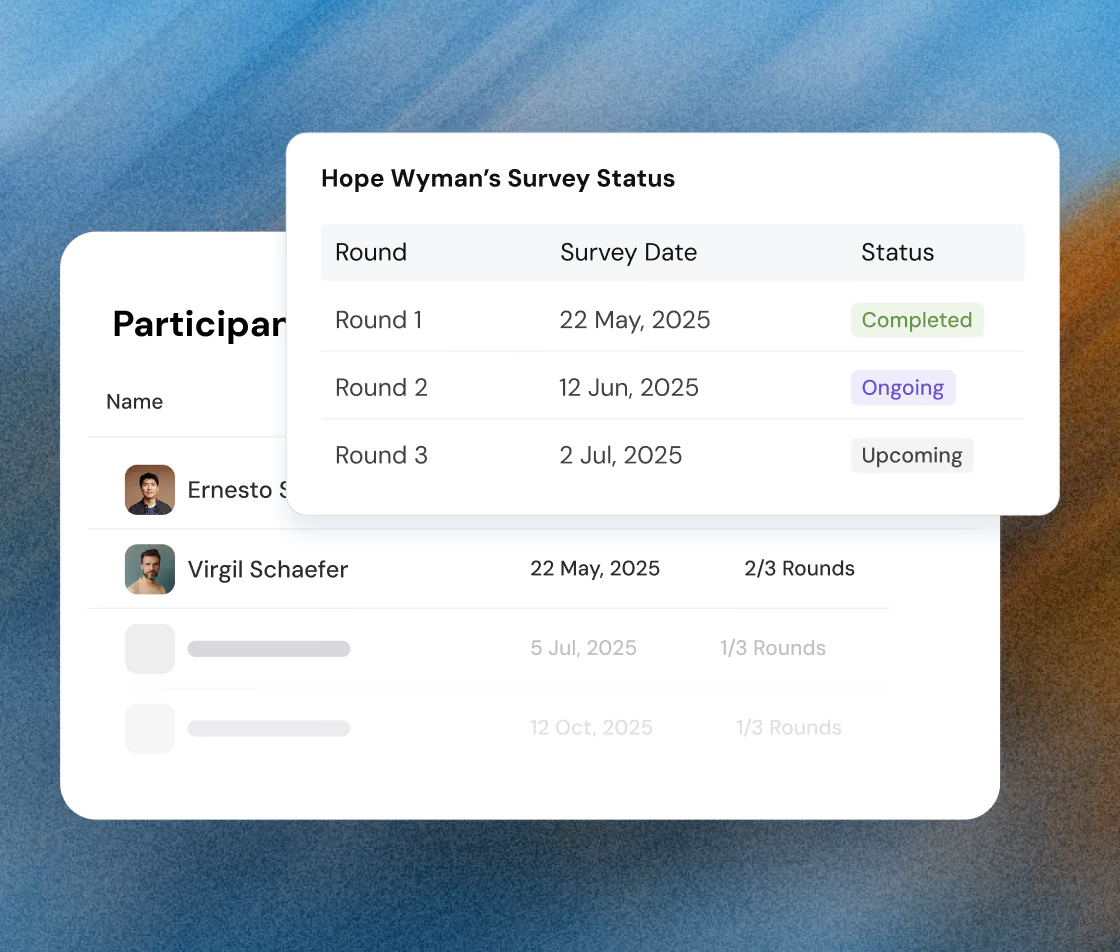
Use a QR code on a shared device. Each employee sees their surveys relevant to their journey, whether it’s onboarding or exit.
Place a single QR code on any shared device
Each employee sees only the survey that matches their timeline
Book a Demo
Act on what your people are saying, before it’s too late
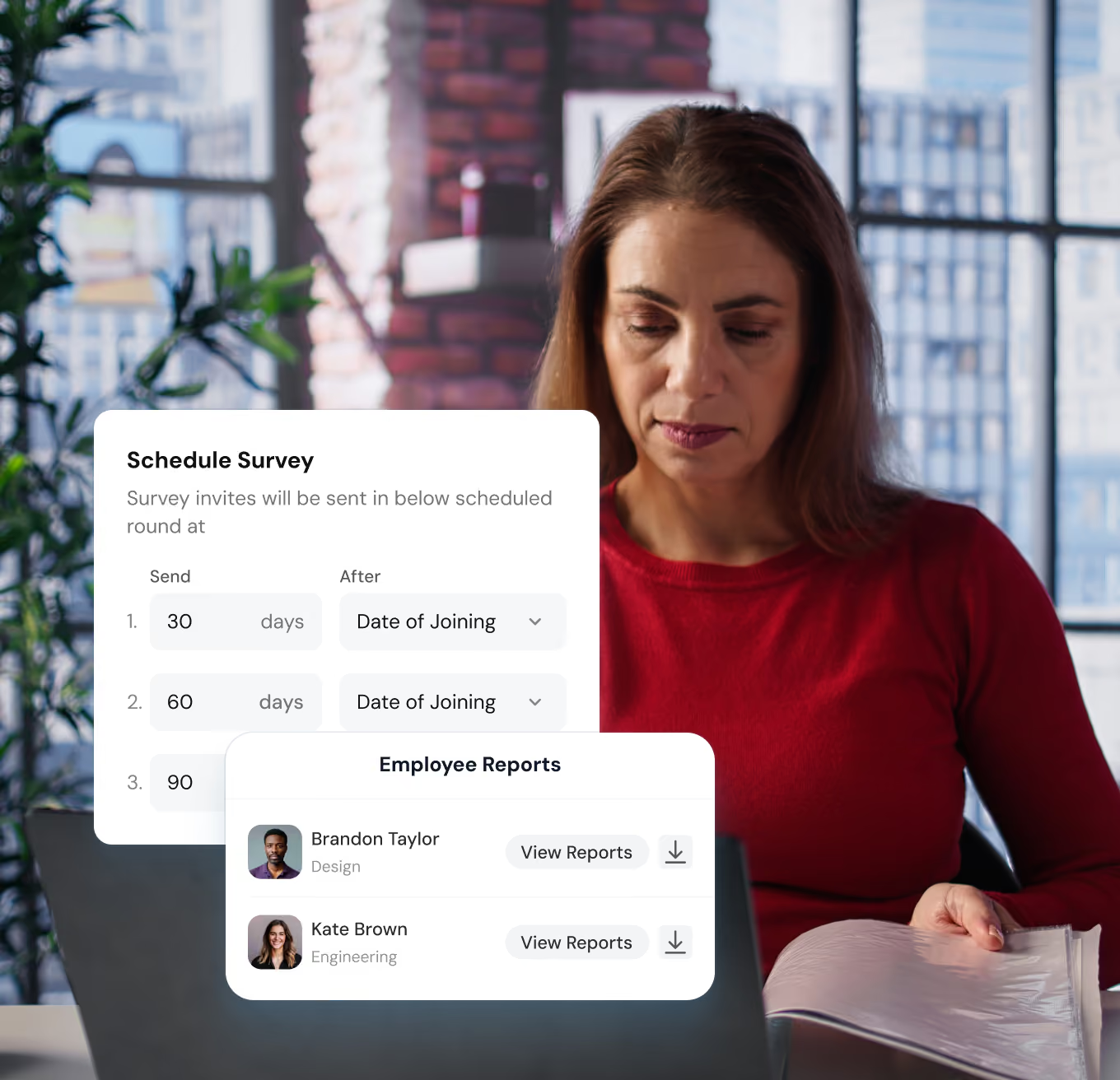
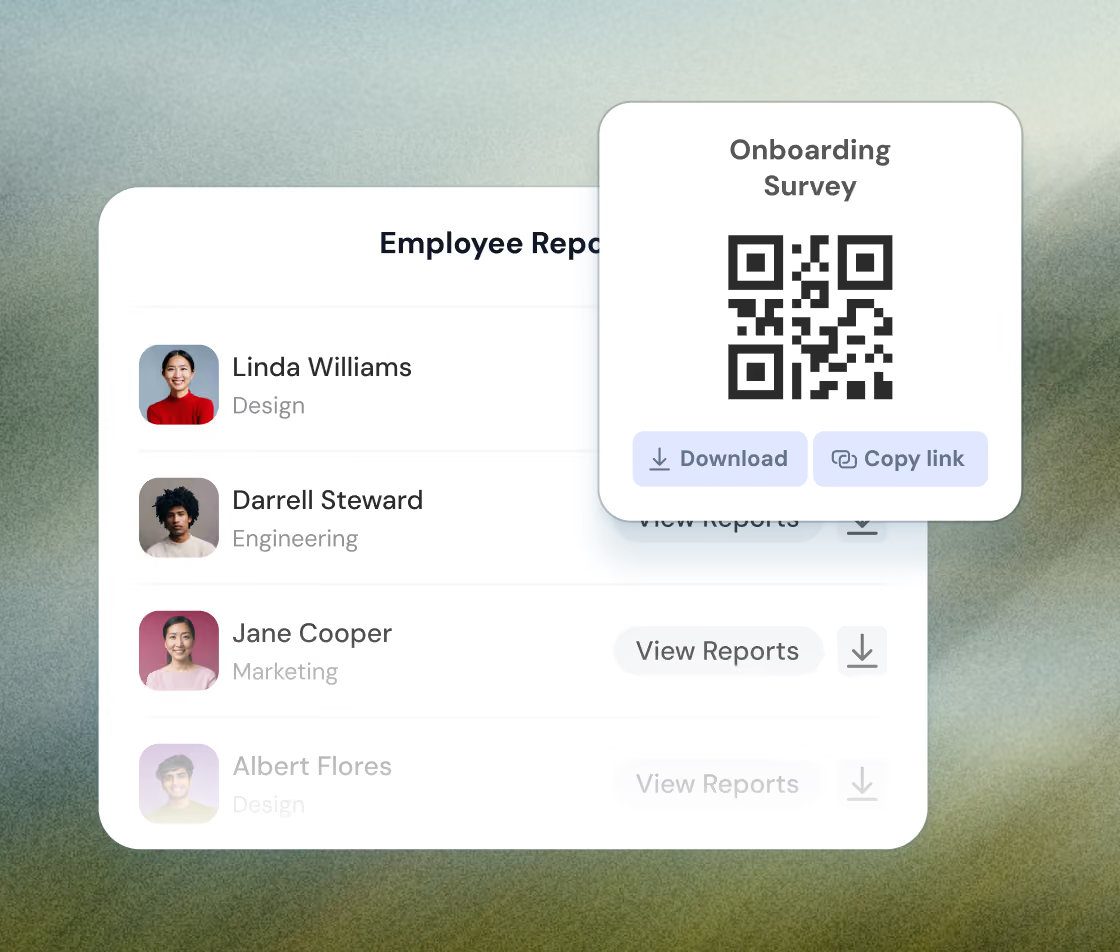
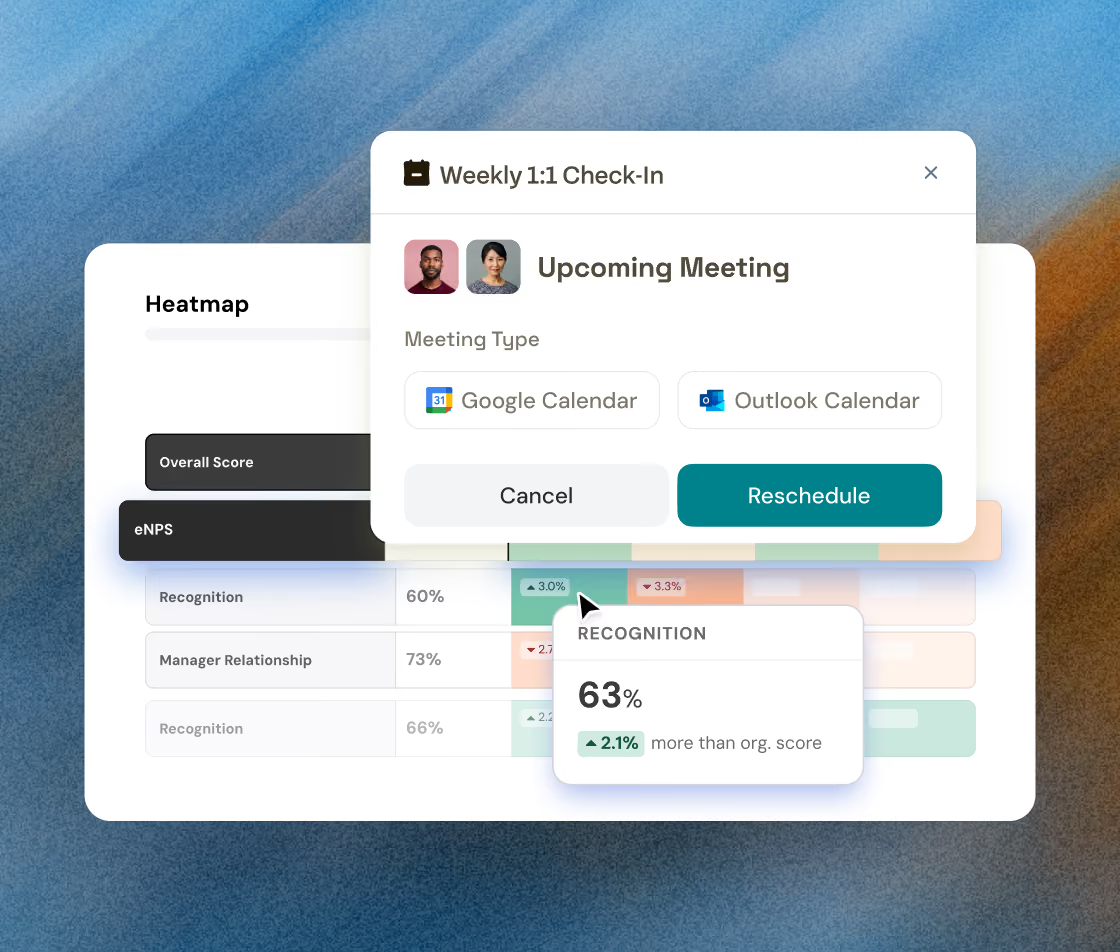
Get individual-level reports and department-wide trends. Spot issues early and launch 1:1s or action plans right from the dashboard.
Track every employee’s experience across their lifecycle
Start 1:1s or action plans right from the report dashboard
Book a Demo
TESTIMONIAL
Our customers' wins are our wins too, from day one

Nitika Malik
Manager, Global Learning & Development, APL Logistics
I would recommend ThriveSparrow while standing on the top of a building. The platform's ease of use & outstanding customer service deliver exactly what every professional needs.
75%
increase in self-completed
evaluations



Lydia
HR Project Manager, Dyninno
ThriveSparrow brought structure and transparency to our processes, cut our manual work by almost 70% and improved the quality of feedback we receive.
70%
reduction in manual
HR work


Ramalingam Thiagarajan
Head Corporate HR, TVS Sensing Solutions
Before ThriveSparrow, our 360-degree feedback process was slow and exhausting. Now, it's smooth, saves weeks of effort, and gives us deep, actionable leadership insights.
96.8%
survey response rate


Jessica Downing
People & Culture, Uniting
I appreciate the support I've received from the ThriveSparrow team. The platform is easy to use, the automation saves me weeks of work, and the reporting is incredibly polished.
200+
360° reports delivered without manual work
evaluations


Becki Chetwood
Head of People and Culture, SysGroup
ThriveSparrow is simple, supportive, and fun. I love it. I'd give it a 9 out of 10. It's so easy to use, and the dashboards and engagement insights make such a difference.
85%
active adoption across
the business


The What, Why & How of Lifecycle surveys
What ?
Automated onboarding and exit surveys personalized to each employee’s timeline
Why ?
Because feedback delayed is feedback wasted. Catch key moments, close gaps, and retain top talent.
How ?
Set your rules once. ThriveSparrow sends the right survey, to the right employee, at the right time—no manual follow-up needed.
Got questions?
We're right here!
What are onboarding and exit surveys?
They’re automated lifecycle surveys designed to collect feedback from new and exiting employees—so you can improve onboarding, boost retention, and create better experiences.
How do the surveys get scheduled?
You can schedule 30/60/90-day check-ins post-joining or trigger exit surveys a few days before the last working day. Each survey adapts to the employee’s timeline.
Can I personalize survey questions per round?
Absolutely. Ask onboarding-specific questions at day 30 and deeper check-ins by day 90. Exit surveys can have a different set altogether.
Will deactivated employees still be able to respond?
Yes. Even after deactivation, employees can respond via alternate email fields (like secondary email IDs).
What reports do I get?
You’ll receive both individual and group-level reports, complete with sentiment analysis, participation data, and ready-to-launch action plans.
Make everyday a success story for your people
Book a demo