











If you're comparing employee pulse survey tools, you need two things from the one you pick: employees who actually answer, and a price you can defend to leadership.
Both are harder to check than the feature lists suggest. The setting that protects anonymity, the number of responses a team needs before results appear, sits in help-center articles and varies by vendor: Workleap Officevibe shows team results from 3 respondents, while Lattice and 15Five default to 5. Pricing doesn't line up either. Some tools charge per employee, some per user, one prices by the year, and several only quote on request.
So we put the details side by side. We compared 12 pulse survey software options on anonymity minimums, delivery channels (email, Slack, Teams, SMS and QR), AI comment analysis and price per employee. We used each vendor's own pricing pages and help docs, checked in September 2026.
Disclosure: ThriveSparrow makes one of the tools on this list, and it appears first. Every other tool is described from its vendor's own public information, and we list ThriveSparrow's limitations as plainly as anyone else's.
If you only have a minute, start here.
The short version
- Best for SMB and mid-market teams that want low per-employee pricing and reach deskless employees: ThriveSparrow Engage starts at $3 per employee/month, with SMS and QR-code delivery.
- Best for frontline and shift-based workforces: CultureMonkey (SMS, WhatsApp, QR and kiosk delivery).
- Best for enterprise analytics and benchmarking: Culture Amp or Qualtrics EmployeeXM (both quote-only).
- Best if you already run Workday: Workday Peakon Employee Voice.
- Best if you run Microsoft 365: Microsoft Viva Glint, included in Viva Workplace Analytics and Employee Feedback at $6 per user/month.
- Best for tying pulses to performance and goals: 15Five (Engage $4 per user/month) or Lattice (Engagement $4 per seat/month, $4,000 annual minimum).
- Best for manager-led team check-ins: Workleap Officevibe (Standard from $4,999 per year).
- Best if payroll already runs in an HRIS (HR information system): the built-in surveys in Rippling, Gusto or Deel.
- Best general survey builder: SurveyMonkey (Team Advantage $30 per user/month; free Basic plan).
Want to see how they stack up on price, channels and anonymity? The table puts them side by side.
12 Employee pulse survey tools compared
Prices are the lowest published plan that includes pulse surveys, per employee or user per month, billed annually, checked on vendor pricing pages in September 2026. “Shared in demo” means the vendor walks you through that detail on a call rather than publishing it, so add it to your demo questions.
Not sure where to start? Find your situation below. How we picked these tools, and what a pulse survey tool should include, comes after the reviews.
Which pulse survey tool fits you?
Find your row and you’ll have a shortlist of two or three in under a minute. Start with the systems you already run and who you need to reach.
The 12 best employee pulse survey tools, reviewed
1. ThriveSparrow
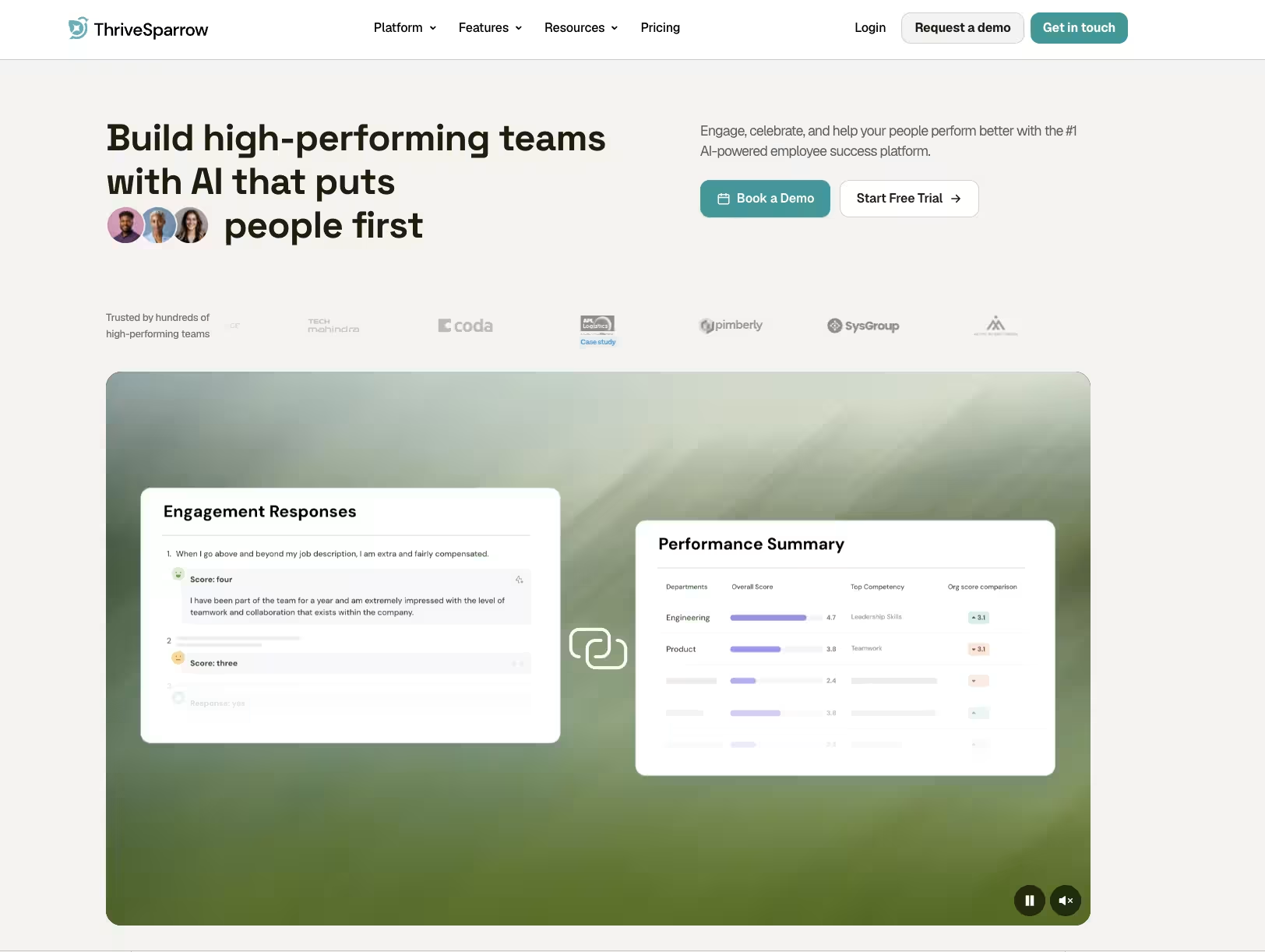
ThriveSparrow runs recurring pulse, eNPS and lifecycle surveys and reaches employees where they already are: by email, SMS, QR code or a shared kiosk, with invites and reminders in Slack, Microsoft Teams or Google Chat, in 100+ languages. AI sentiment analysis summarizes open-text comments, and action plans turn results into follow-ups managers can track.
Why reach matters here:
If part of your workforce has no work inbox, check this capability first. Surveys go out by text with one-click responses, and because texts use credits, the app shows a cost estimate before anything is sent (how SMS survey delivery works). QR codes can go up on a break-room wall, and kiosk mode lets several people answer on one shared device using their employee ID.
Best for:
SMB and mid-market HR teams (roughly 50–1,000 employees) that want transparent per-employee pricing and need to reach frontline or deskless employees.
Not ideal for:
Enterprises that want a dedicated people-science consulting team or very large benchmark libraries. Culture Amp or Qualtrics fit better there.
Standout features:
- Recurring pulse surveys on any cadence, from weekly to monthly or custom
- SMS delivery, plus QR-code and kiosk access, for employees without a work inbox
- AI Text Insights that score comment sentiment from −1 to +1 and rank topics by impact, once a survey has at least 10 text responses; the help center explains how Text Insights scores comments
- Action plans that assign owners to follow-ups
- Anonymous responses, heatmaps and industry benchmarks
- eNPS and lifecycle surveys
- Multilingual surveys in 100+ languages
- 50+ integrations, including Slack, Microsoft Teams, Workday, BambooHR, ADP and Gusto
- SOC 2 Type 2, ISO/IEC 27001:2022, GDPR and CCPA, listed in its Trust Center, which helps if IT reviews every new HR vendor. ThriveSparrow’s comparison pages also promise a dedicated customer success manager on every plan and 24x5 support.
Limitations:
- Slack, Teams and Google Chat only send reminders. Employees get notified there but answer by email, SMS, QR code or kiosk. They can't answer inside the chat app.
- SMS costs extra. Text-message delivery uses credits, so budget for it if most of your workforce has no work email.
- No free plan for pulse surveys. You get a 14-day trial instead, so you'll need a paid plan to keep running surveys after that.
Pricing:
Engage (pulse and lifecycle surveys, industry benchmarks, AI action plans) is $3 per employee/month, billed annually. For 200 employees that’s $7,200 a year, against $9,600 at the $4 list price of 15Five Engage or Lattice Engagement. Engage + Kudos is $4 and the Full Platform $9; ThriveSparrow’s pricing page shows what each bundle adds.
Proof:
Dümmen Orange, a farming company with 5,001–10,000 employees, used QR-code surveys to reach field workers and now gets reports in a week instead of months (Dümmen Orange case study). Sticki, an Australian creator agency, cut quarterly survey analysis from 6–7 hours to about 1–1.5 hours with AI sentiment analysis (Sticki case study). Both are vendor-published case studies.
Ask in the demo:
What is the default anonymity threshold, and what range can we set it to for small teams? Which HRIS fields can we segment results by?
Is it right for your team? ThriveSparrow fits best if you have roughly 50–1,000 employees and some of them don’t sit at a desk. If you need a dedicated people-science team or the largest benchmark library, Culture Amp or Qualtrics (below) will suit you better.
The quickest way to judge reach is to test it. Send one pulse to a pilot team by email, Slack and SMS, then compare who answers.
Start your 14-day free trial: Engage is $3 per employee/month after the trial, and signup takes just an email and a password.
.svg)
2. Culture Amp

ThriveSparrow’s case rests on reach and price. If analysis depth and benchmarks matter more, and someone on your team will own the program, Culture Amp is the reference point.
Culture Amp is an employee experience platform built around engagement and pulse surveys, with performance and development products on top. Its main strength is analysis: benchmarks drawn from more than 1 billion survey responses, driver analysis, and AI that summarizes comments and suggests actions.
Best for:
Mid-market and enterprise HR teams with someone who owns the survey program and wants benchmarks to compare against.
Not ideal for:
Small teams that want to launch a pulse this week with a published price.
Standout features:
- Science-backed pulse surveys and 40+ research-backed templates
- AI Comment Summaries
- AI Coach, which summarizes insights, drafts action plans and writes communications
- Benchmarks
- Onboarding, offboarding and DEI surveys
- A Slack and Microsoft Teams app
- An optional People Science consulting add-on
Limitations:
- Pricing isn't published. Every plan is quote-only and depends on headcount, product and service tier, so you'll need a sales call to see a number.
- Annual billing only. All products are billed yearly, with no monthly option for testing it on a small group first.
- Confidentiality settings lock at launch. You can't change settings such as the reporting-group minimum once a survey goes live, so a wrong setting means relaunching.
- No SMS, QR code or kiosk delivery. Surveys go out by email and through the Slack and Microsoft Teams app, so frontline employees without a work inbox are hard to reach.
- People Science consulting costs extra. Expert help with survey design and analysis is a separate add-on, not part of the base plan.
Pricing:
Quote only, based on headcount, product and service tier (under 200, 200–999 and 1,000+ employees).
Ask in the demo:
Which benchmarks are included in my tier? What does People Science add, and at what cost?
Culture Amp's benchmarks are hard to match, but you'll need a sales call just to see a price. If that's a dealbreaker, these Culture Amp alternatives show their starting prices up front, grouped by what each one does best.
3. Workleap Officevibe
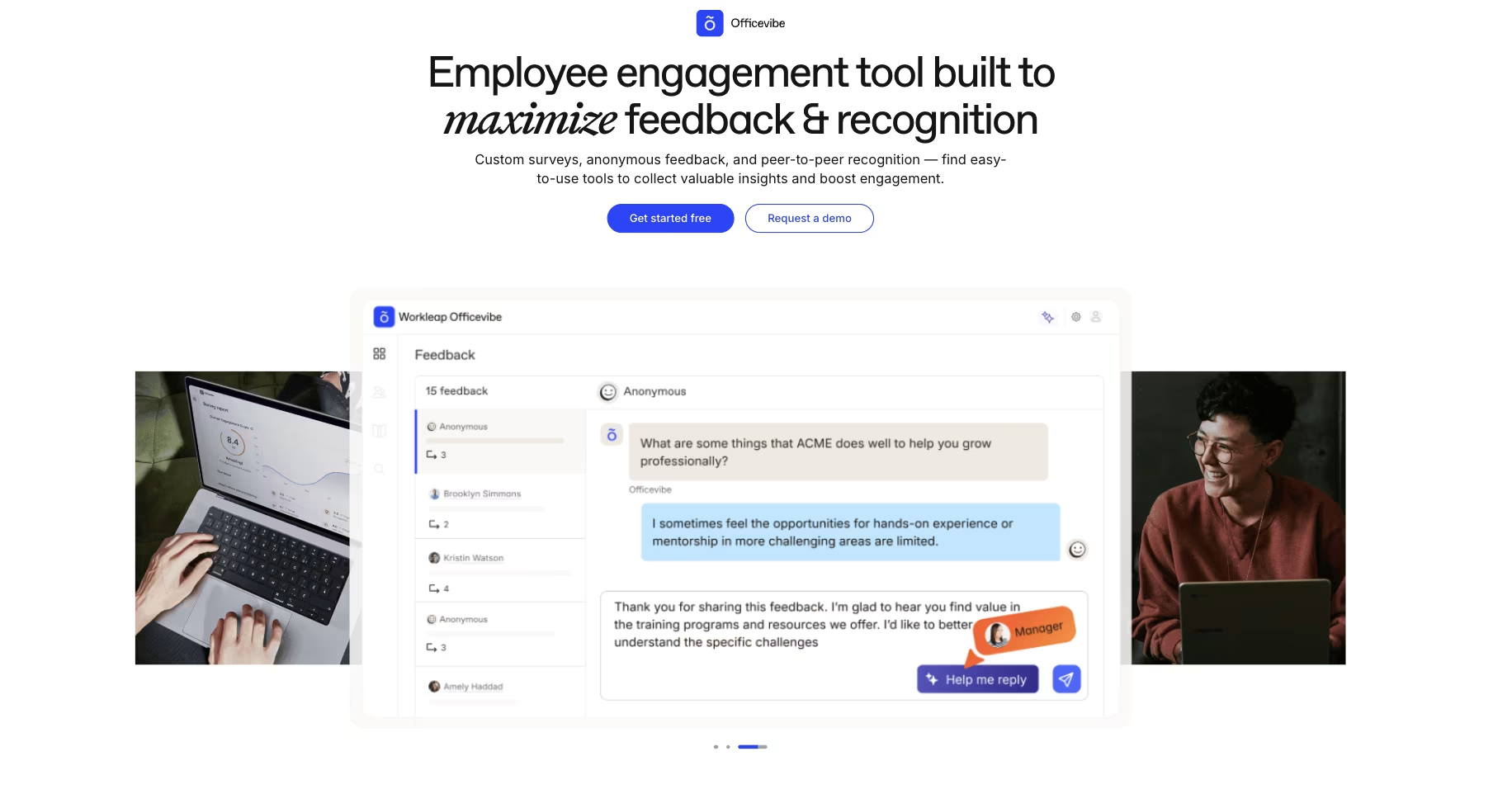
Culture Amp is built for an HR team that runs surveys for the whole company and digs into the results itself. Officevibe works the other way around: it puts the results in each manager's hands.
Workleap Officevibe (formerly just Officevibe) is made for managers at small and mid-sized companies. Each manager runs short recurring pulse surveys and custom surveys with their team, collects anonymous feedback, and gets a team report with AI-recommended next steps.
Best for:
Small and mid-sized companies that want managers, not only HR, to own team engagement.
Not ideal for:
Very small teams on a tight budget (plans are priced annually) or organizations that need enterprise analytics.
Standout features:
- Pulse and custom surveys
- Anonymous two-way feedback
- Good Vibes peer-recognition cards
- AI-recommended actions and feedback-reply assistance for managers
- Team health and turnover reporting
- Slack and Microsoft Teams delivery
Limitations:
- Small teams can lose their data. Team results need at least 3 respondents, and anonymous feedback needs a team of at least 5, so managers of very small teams may see little or nothing.
- No SMS, QR code or kiosk delivery. Surveys go out by email, Slack and Microsoft Teams only, so employees without a work inbox or chat account are hard to reach.
- Priced per year, not per employee. Standard starts at $4,999 a year, a big upfront cost for a small team, and the pricing page doesn't say how many employees that covers.
- No free plan, and Enterprise is quote-only. Companies with 250+ employees need a sales call to get a price.
Pricing:
Standard starts at $4,999 per year and Pro at $11,999 per year, billed annually. Enterprise is custom.
Ask in the demo:
How many employees does the Standard price cover?
If $4,999 a year is more than a small team can justify, our Officevibe alternatives guide compares 11 options by price and features.
4. 15Five
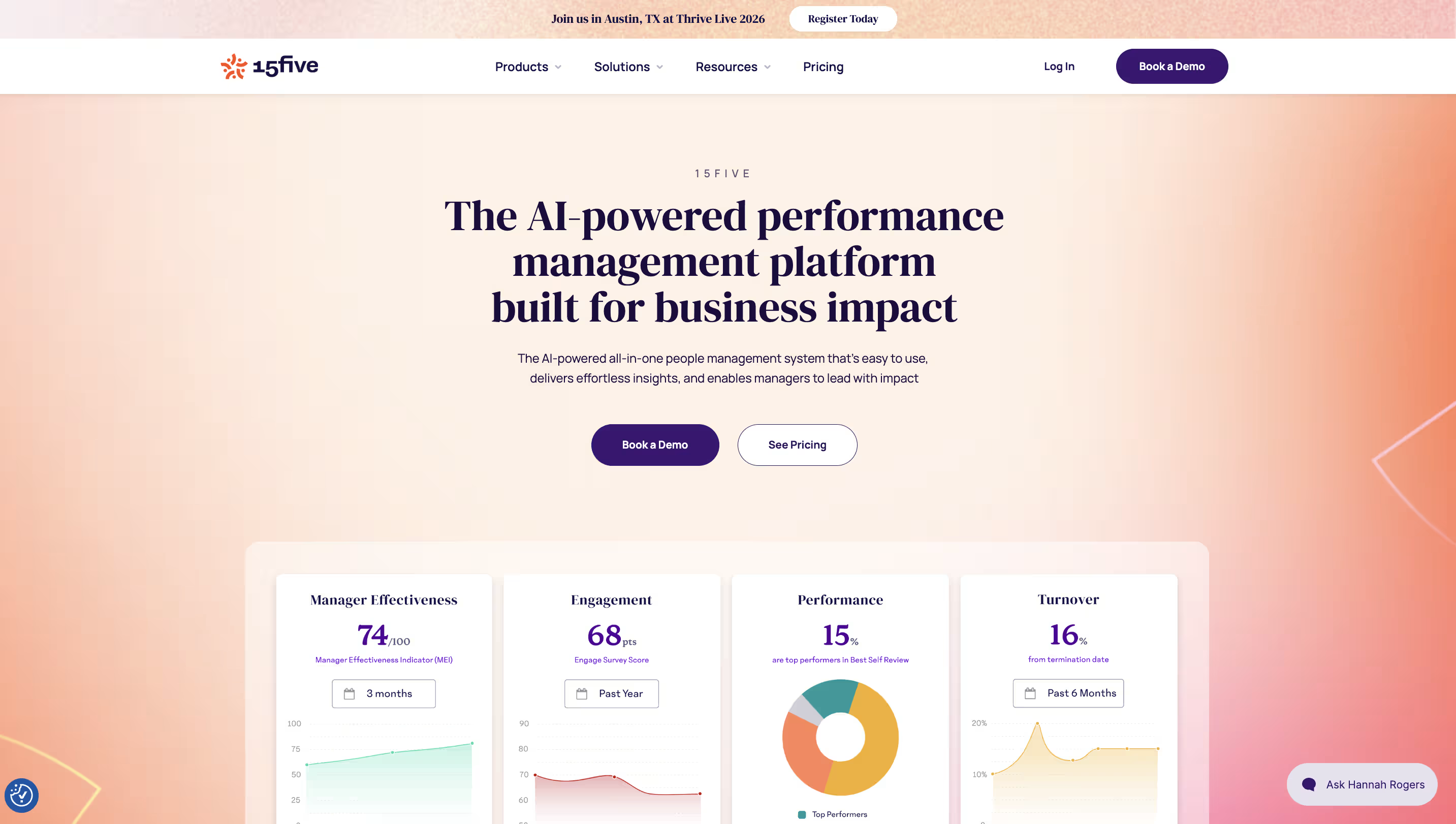
Officevibe keeps pulse results with each team. 15Five takes them one step further and links them to how people are managed and reviewed. 15Five is a performance management platform for growing companies that want engagement and performance in one place. Its engagement surveys sit alongside weekly check-ins, 1:1s, OKRs and performance reviews, so managers see pulse results next to the conversations they're already having with their team.
Best for:
Teams that want engagement data tied directly to manager check-ins and performance.
Not ideal for:
HR teams that only want a standalone pulse tool and won’t use the performance features.
Standout features:
- Engagement surveys and eNPS with AI-powered predictive analysis and benchmarking (Engage plan)
- Weekly check-ins covering pulse, wins and challenges (Perform plan)
- 1:1s and OKRs
- Peer recognition (High Fives)
- A confidentiality threshold admins can set to 3, 4 or 5 respondents (default 5)
Limitations:
- Surveys and check-ins are sold separately. Engagement surveys come with Engage ($4), and weekly check-ins with Perform ($11). Getting both means Total Platform at $16 per user/month.
- The anonymity threshold can't go higher than 5. Admins can choose 3, 4 or 5 respondents. Lattice allows up to 10, which some teams want for written comments.
- Delivery channels aren't published. 15Five doesn't list SMS, QR or kiosk options on its site, so ask how employees without a work email would answer.
- No free plan. You'll need a paid plan to run pulse surveys.
Pricing:
Engage $4, Perform $11 and Total Platform $16 per user/month, billed annually.
Ask in the demo:
Which plan includes both engagement surveys and weekly check-ins for my team?
If you want 15Five’s engagement surveys without paying for the $16 Total Platform, our 15Five alternatives guide covers 13 options and the pricing and survey-fatigue issues that push teams to switch.
5. Lattice
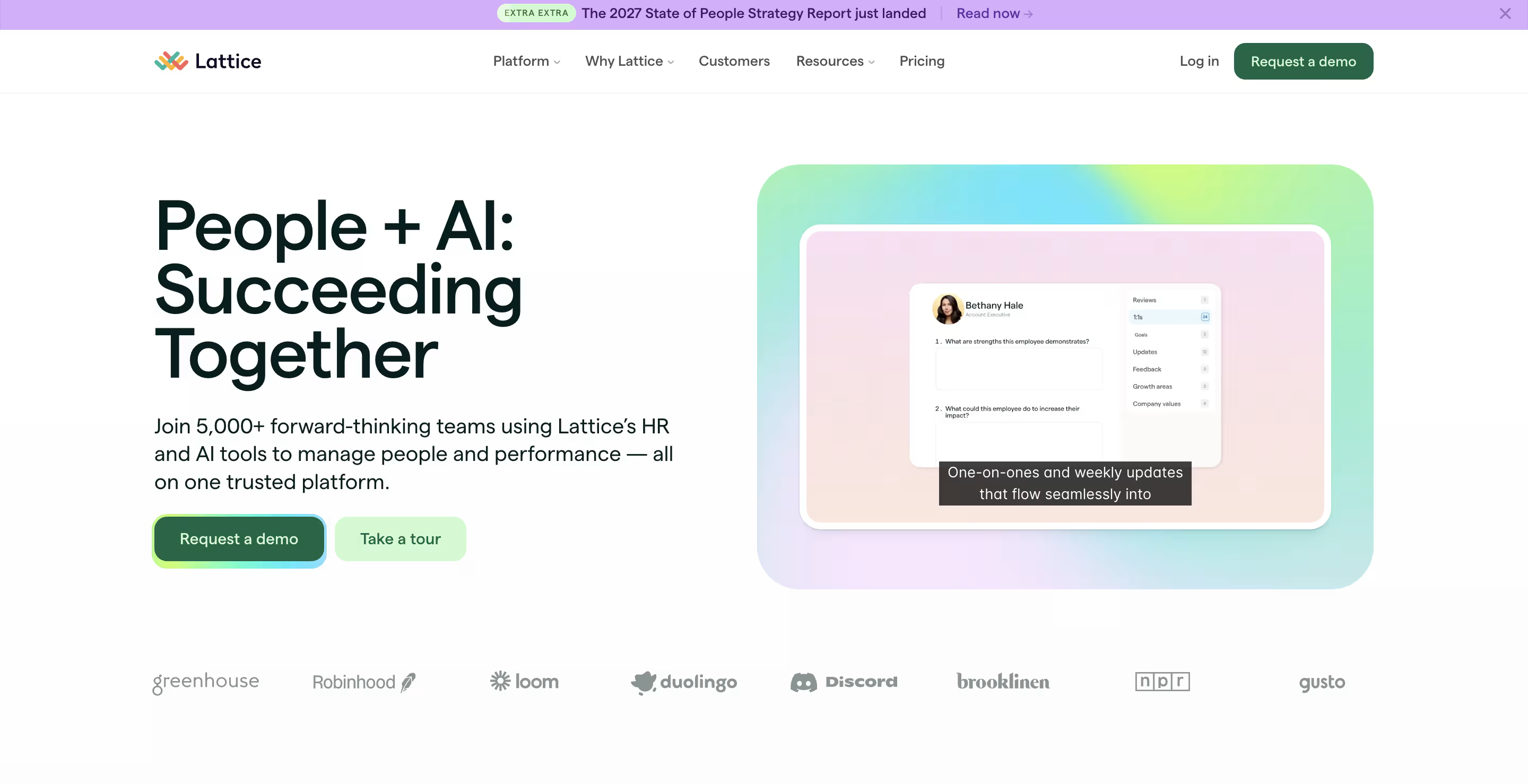
Lattice takes the same performance-first approach as 15Five, but you build it module by module instead of choosing a fixed plan. Lattice is a people-management platform for growing companies that want engagement, performance, goals and growth in one system. You start with Engagement and add Performance, Goals & OKRs, Grow or Compensation when you need them. Pulse surveys run weekly, biweekly or monthly, and results sit next to each person's 1:1s, goals and reviews, so managers can see whether a dip in sentiment lines up with workload or missed goals.
Best for:
Companies already using, or planning to use, Lattice for performance and goals.
Not ideal for:
Smaller teams, because of the $4,000 minimum annual agreement.
Standout features:
- Weekly, biweekly or monthly pulse surveys, plus eNPS
- Sentiment analysis, heatmaps and demographic filters
- An anonymity threshold that defaults to 5 and can be set from 3 to 10
- Manager tools (1:1s, updates, feedback) and an AI agent
Limitations:
- $4,000 minimum per year. At $4 per seat a month, any company under 84 seats still pays $4,000, so smaller teams pay more per person.
- Modular pricing adds up. Engagement is $4 per seat, but adding Performance ($10) or Goals & OKRs ($8) raises the cost quickly. You need those modules to see sentiment alongside performance data.
- USD billing only. Teams outside the US pay in dollars, so the cost moves with exchange rates.
- Enterprise pricing is quote-only. Large companies need a sales call to get a price.
- Delivery channels aren't published. Lattice doesn't list SMS, QR or kiosk options, so ask how employees without a work email would answer.
Pricing:
Engagement is $4 per seat/month as a base product. Performance is $10, Goals & OKRs $8, and the Foundations package $13. Add-ons: Grow +$4, Compensation +$6. Billed annuall.
Ask in the demo:
If we buy Engagement only, which manager tools are included?
Down to Lattice and 15Five? Our Lattice vs 15Five comparison weighs Lattice’s goal tracking against 15Five’s check-ins and recognition.
6. CultureMonkey
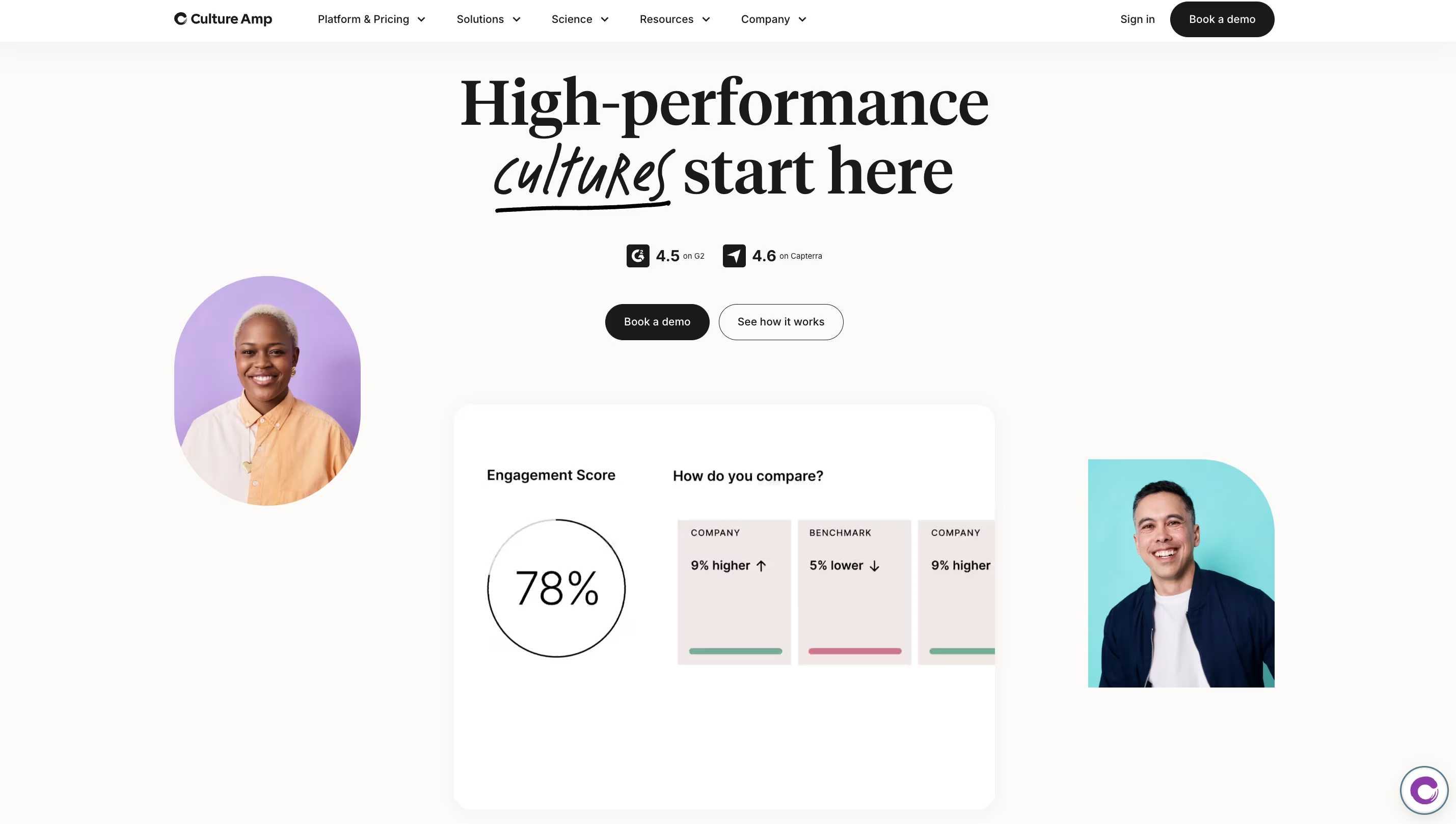
15Five and Lattice don't publish SMS or QR-code delivery, which matters if many of your people work shifts, on the floor or in the field. That's the gap CultureMonkey is built to fill. CultureMonkey is a dedicated employee listening platform for large frontline, shift-based and multilingual workforces. It runs pulse, eNPS and lifecycle surveys, and sends them by SMS, WhatsApp, QR code or kiosk as well as email, Slack and Teams, in 100+ languages. You can assign a different channel to each part of your workforce, for example WhatsApp for drivers and a kiosk for the factory floor. Setup help is included, with no separate charge for implementation, HRMS integration or SSO.
Best for:
Organizations with large frontline, shift-based or multilingual workforces that want a listening-only platform with setup help.
Not ideal for:
Buyers who need a published price before talking to sales.
Standout features:
- Six delivery channels (SMS, WhatsApp, QR, kiosk, Slack, Teams), assigned per workforce segment
- Anonymity thresholds you can configure per team and demographic
- Heatmaps and industry benchmarks
- AskCooper, an AI copilot that answers plain-English questions about your engagement data
- An optional People Science Plus add-on
Limitations:
- Pricing isn't published. Every plan is quote-only and depends on how many employees you survey and the support level you choose. You get a written quote on the first sales call.
- Listening only. There are no 1:1s, goals or performance reviews, so if you want those, you'll need a second tool and a second contract.
- SMS and WhatsApp costs aren't clear. CultureMonkey doesn't say whether message volume is billed separately, so check before you plan to survey your frontline teams by text.
- People Science Plus costs extra. Expert help with your survey program is an add-on, not part of the base plan.
Pricing:
Quote only, based on the number of employees surveyed and the support level. There’s no separate charge for implementation, HRMS integration, SSO or templates.
Ask in the demo:
Which channels are included at my tier, and do SMS or WhatsApp messages cost extra?
7. Workday Peakon Employee Voice
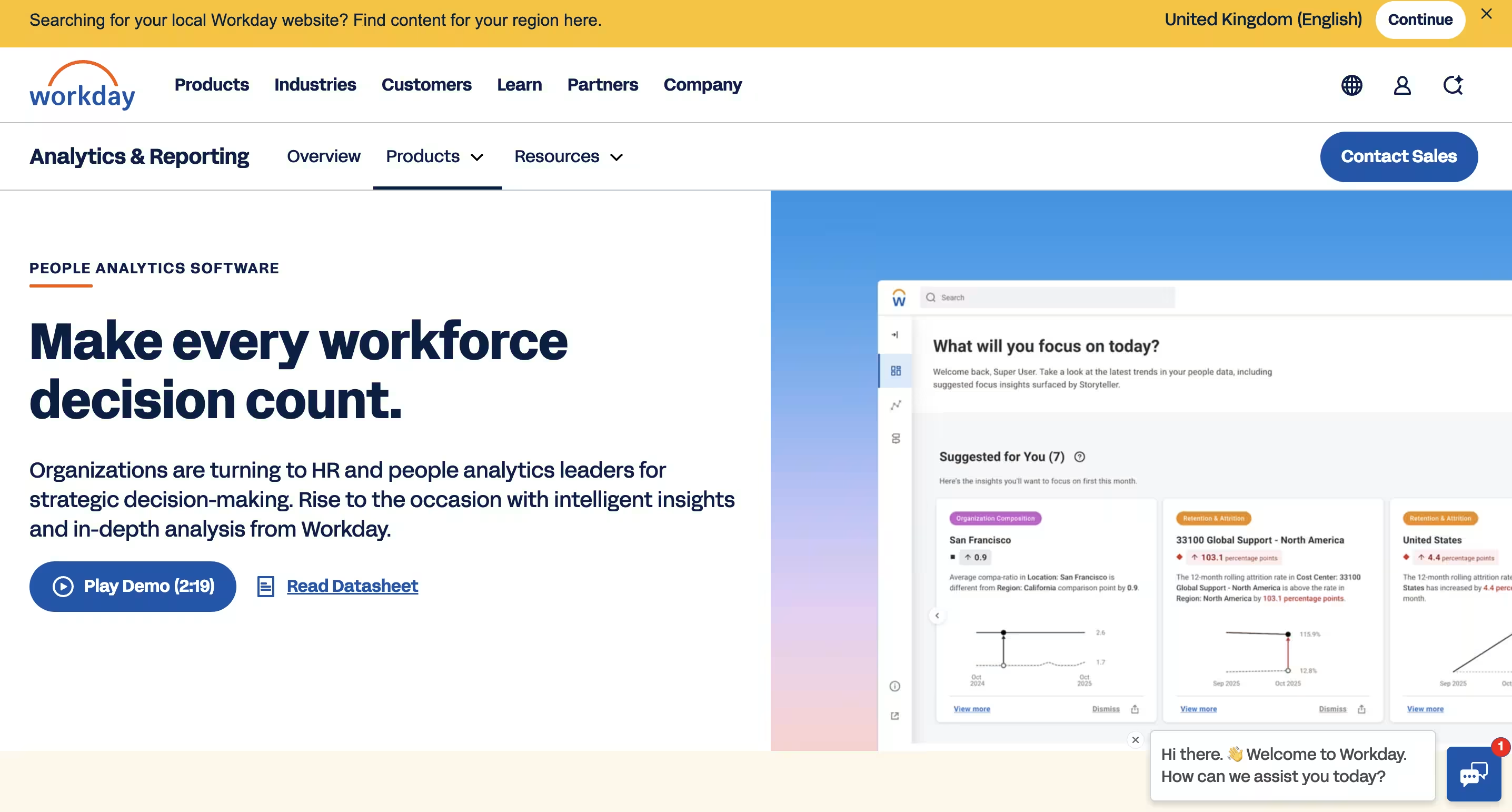
The next four tools are a step up in scale. They're built for companies with 1,000+ employees and a people-analytics team running a formal listening program. Workday's is the natural place to start. Workday Peakon Employee Voice is a continuous listening platform for large companies that want to predict who's at risk of leaving, not just measure how people feel. It runs frequent pulse surveys, uses driver analysis to show what's moving engagement, and forecasts turnover. Gen-AI turns comments into themes and summaries, and managers get suggested actions and leadership-development content. It fits most naturally on Workday, but you don't need Workday HCM to use it.
Best for:
Enterprises that want continuous listening with strong analytics, especially those already on Workday.
Not ideal for:
SMBs that want published pricing or a quick self-serve setup.
Standout features:
- Continuous pulse surveys and driver analysis
- Turnover forecasting
- Gen-AI themes and summaries
- Manager action suggestions and leadership-development content
You don’t need Workday HCM:
Peakon has ready-made integrations for BambooHR, HiBob, Personio and Okta, plus a REST API and SCIM 2.0 provisioning.
Limitations:
- Pricing isn't published. Plans are quote-only and sold through Workday sales, so you'll need a sales call to see a number.
- Built for enterprise rollouts, not self-serve setup. Expect a sales-led implementation rather than signing up and launching a survey the same week.
- The anonymity threshold isn't published. The minimum group size before results appear is only shared in a demo, so you can't compare it with other tools ahead of time.
- Delivery channels aren't published. Peakon doesn't list SMS, QR or kiosk options, so ask how employees without a work email would answer.
Pricing:
Quote only, through Workday sales.
Ask in the demo:
What is the default anonymity threshold, and which delivery channels are included?
8. Qualtrics EmployeeXM
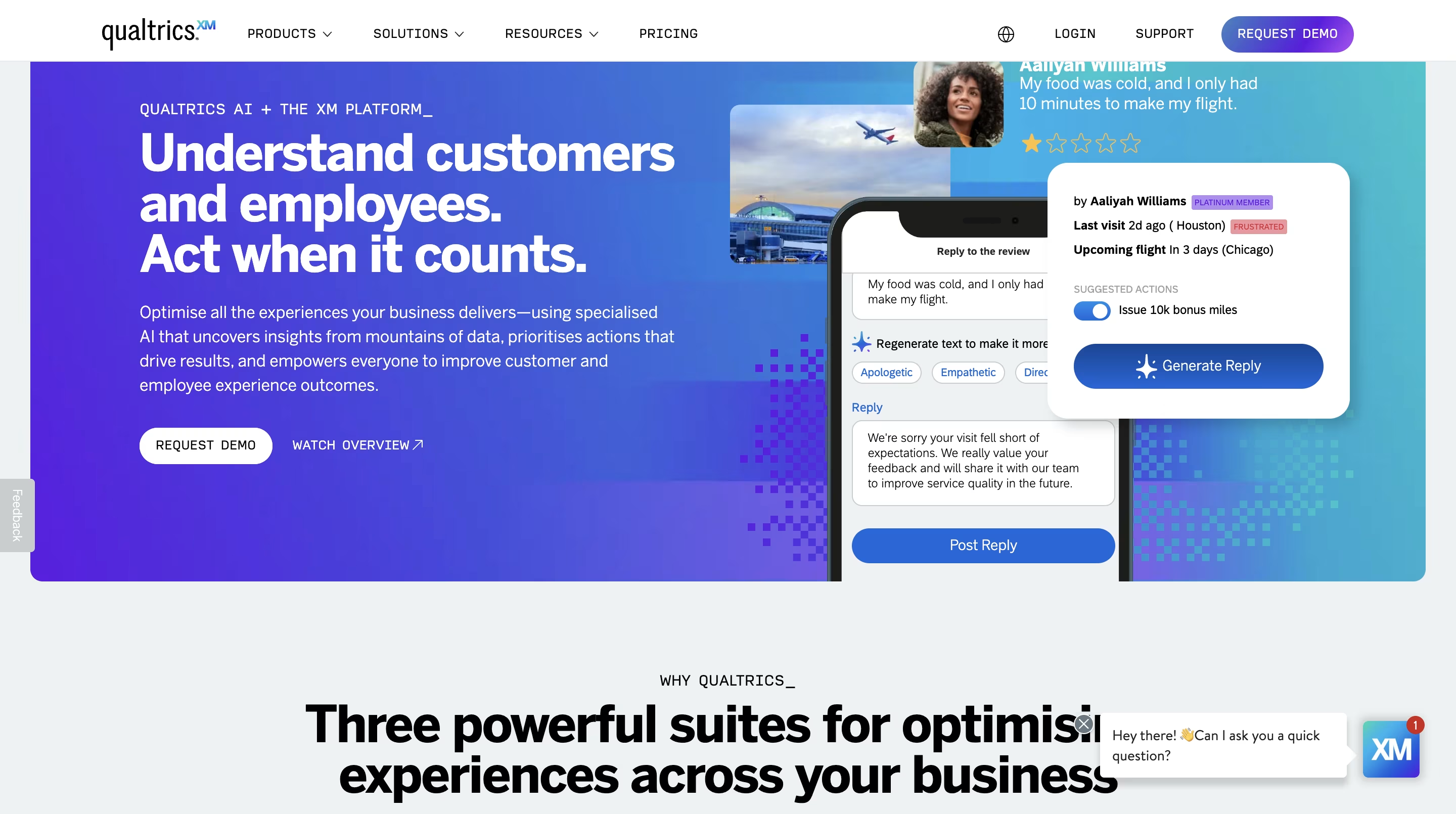
Peakon is built around one job: continuous engagement listening. If your program also covers onboarding, 360 feedback and exit interviews, Qualtrics runs all of them in one place. Qualtrics EmployeeXM is an employee experience platform for large organizations with dedicated analysts running a formal, multi-survey listening program. It covers the whole employee lifecycle, from onboarding and pulse surveys to 360 feedback and exit surveys. Its survey logic and question libraries go deeper than most tools, it detects themes in comments automatically, and it surfaces AI recommendations so managers know what to do next. Global benchmarks let you compare results against other organizations.
Best for:
Large organizations running a formal, multi-survey listening program with dedicated analysts.
Not ideal for:
Teams that only need a simple recurring pulse.
Standout features:
- Deep survey logic and question libraries
- Automated theme detection
- AI-surfaced next-step recommendations for managers
- Global benchmarks and 360-degree feedback
- Configurable confidentiality rules for filters and breakouts
Limitations:
- Pricing isn't published. You pay for planned usage, with unlimited users, so the cost depends on how many surveys and responses you forecast. You'll need a sales call to get a number.
- More setup and administration than lightweight tools. The deep survey logic and lifecycle coverage take time to configure, and the platform works best with an analyst running it.
- More than you need for a simple pulse. If you only want a short recurring survey, you'll be paying for, and managing, features you won't use.
- AI and benchmark coverage depend on your license. Qualtrics doesn't publish which AI features and benchmarks are in the base license, so check before you compare it with other tools.
Pricing:
Not published. Qualtrics says customers pay for planned usage, with unlimited users.
Ask in the demo:
Which benchmarks and AI features are in the base license?
If you only need a recurring pulse and EmployeeXM’s setup feels heavy, our Qualtrics alternatives guide sorts 12 options into survey-first tools, lightweight feedback tools and employee experience platforms.
9. Microsoft Viva Glint
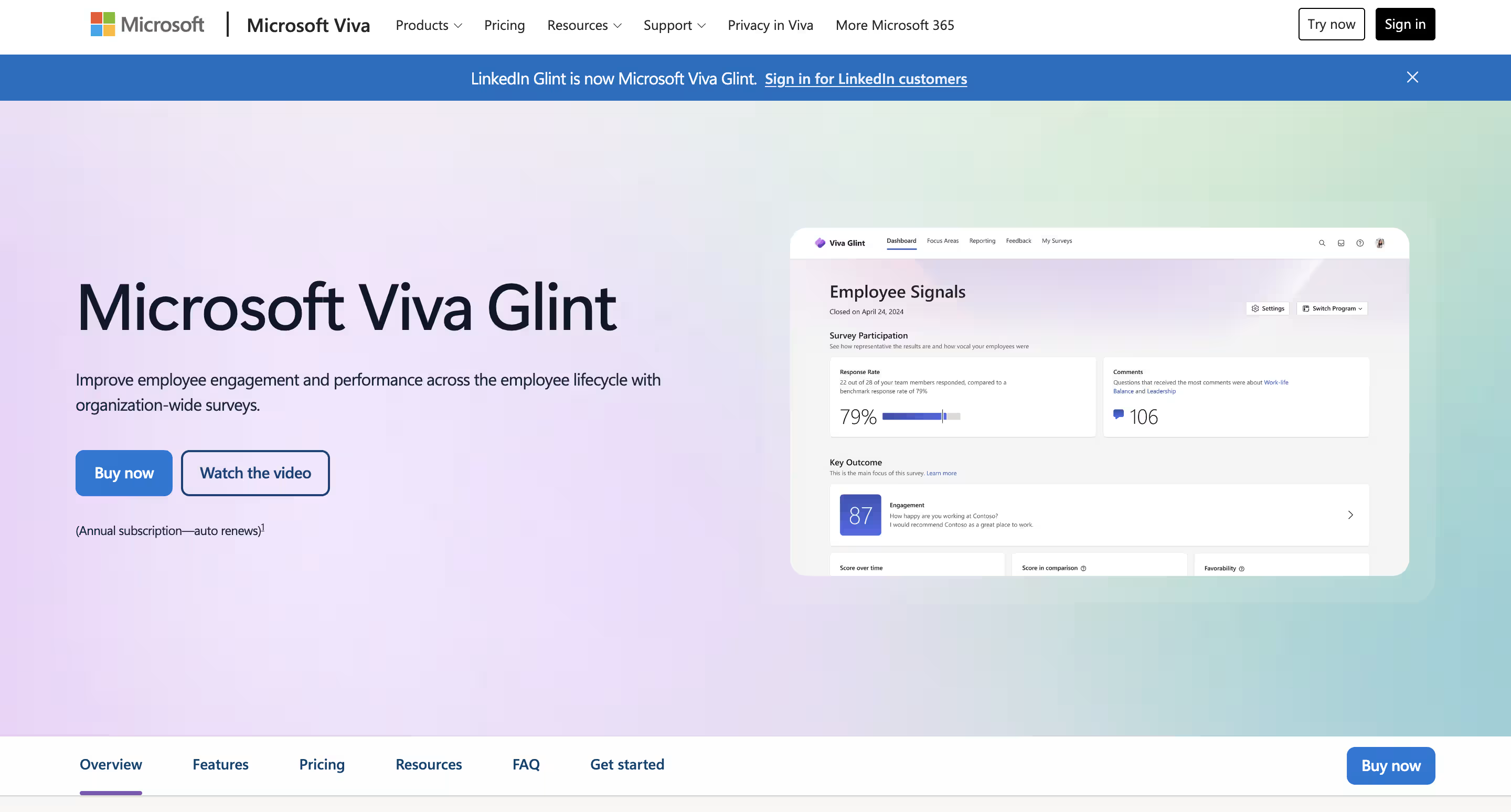
Qualtrics is a platform you buy on purpose. Viva Glint is one you may already own: if your company runs Microsoft 365, it could be in a Viva plan you're paying for.
Viva Glint is Microsoft's employee engagement survey product for organizations that already work in Microsoft 365 and Teams. It runs company-wide engagement surveys, and comes bundled with Viva Pulse, which lets managers send quick surveys to their own teams. Microsoft 365 Copilot in Viva Glint summarizes up to 10 top topics across as many as 8,000 comments per request, and managers and leaders each get their own dashboard. Its confidentiality rules are clearly published, which makes it easy to explain to employees.
Best for:
Microsoft 365 organizations that want engagement surveys inside their existing licensing.
Not ideal for:
Companies not on Microsoft 365, or teams that want a standalone survey vendor.
Standout features:
- Engagement and pulse surveys (Glint + Viva Pulse)
- Microsoft 365 Copilot in Viva Glint, which summarizes up to 10 top topics across as many as 8,000 comments per request
- Manager and organization dashboards
- Clear confidentiality defaults: scores show from 5 responses, comments from 10
Limitations:
- Not sold on its own. Glint only comes inside Viva plans: Workplace Analytics and Employee Feedback at $6 per user/month, or the Viva Suite at $12. You can't buy just the survey tool.
- Annual commitment. Both Viva plans need a yearly contract, so there's no monthly option for trying it on one team first.
- Comments need 10 responses. Scores appear from 5 responses, but written comments only from 10, so smaller teams may never see their comments.
- Built for Microsoft 365. It fits best inside Microsoft 365 and Teams, so companies on Google Workspace or another stack get less from it.
- Copilot licensing isn't clear. Microsoft doesn't publish whether Copilot in Viva Glint needs extra licensing, so check before you count it as included.
Pricing:
Included in Microsoft Viva Workplace Analytics and Employee Feedback ($6 per user/month) or the Viva Suite ($12 per user/month), both with an annual commitment.
Ask in the demo:
Is Glint included in our current Microsoft agreement, and does Copilot in Glint need extra licensing?
10. Perceptyx
Viva Glint makes most sense if you're already paying for Microsoft. If you're not tied to a suite and want an AI layer that works through your listening data for you, Perceptyx is built for that. Perceptyx is an enterprise employee listening and people-analytics platform for large organizations with an internal people-analytics team. It runs engagement, lifecycle and continuous listening surveys, then uses a set of AI agents to do the analysis. The Narrative Analysis Agent surfaces themes and risks in comments in real time, the Coaching Agent gives managers personalized coaching, and the Workforce Insights Agent pulls insights across your workforce. Intelligent nudges then prompt managers to act.
Best for:
Enterprises with an internal people-analytics team that want continuous listening at scale.
Not ideal for:
Small and mid-sized teams.
Standout features:
- A Narrative Analysis Agent that surfaces themes and risks in comments in real time
- A Coaching Agent for personalized manager coaching
- A Workforce Insights Agent
- Intelligent nudges
- Lifecycle and engagement surveys
Limitations:
- Pricing isn't published. There are no list prices on the site, so you'll need to contact Perceptyx for a quote.
- Significant implementation. It's built for enterprise rollouts, so expect a longer setup than with tools you can launch yourself.
- Built for large teams with analysts. Small and mid-sized companies without a people-analytics team are unlikely to use enough of it to justify the cost.
- AI agents may not all be included. Perceptyx doesn't publish which agents come with the base license, so check before you count on them.
- Delivery channels and anonymity threshold aren't published. Ask how frontline employees would answer, and what the minimum group size is before results appear.
Pricing:
Not published; contact Perceptyx.
Ask in the demo:
Which agents are included in the base license?
11. TINYpulse (WebMD Health Services)
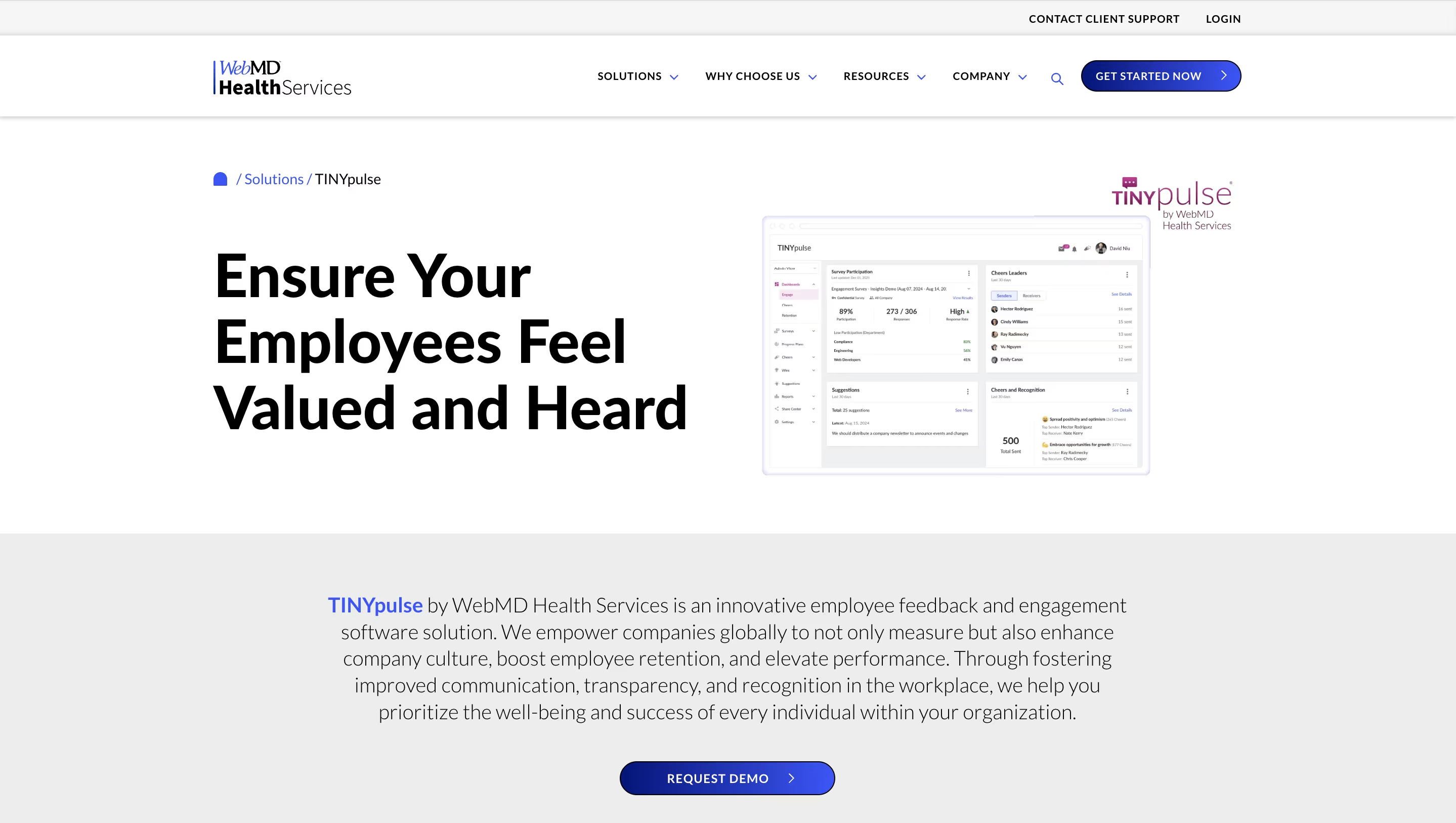
After four enterprise platforms, the last two are lighter and quicker to roll out. TINYpulse is for teams whose priority is hearing from employees openly, not analysing survey data in depth. TINYpulse, now part of WebMD Health Services, is an employee feedback and recognition tool for organizations that want anonymous conversations and peer recognition in one place. Alongside feedback surveys, employees can message HR or leaders anonymously and get a reply, send each other Cheers for Peers recognition, and share ideas through a suggestion box. Coach and Onboard modules support managers and new hires, and support runs 24/5 with dedicated customer success managers.
Best for:
Organizations that want anonymous feedback and peer recognition in one tool, especially those already working with WebMD Health Services.
Not ideal for:
Teams that want deep survey customization or published pricing.
Standout features:
- Feedback surveys
- Anonymous two-way communication
- Cheers for Peers recognition
- Suggestions
- Coach and Onboard modules
- 24/5 support with dedicated customer success managers
Limitations:
- Pricing isn't published. You need a demo to get a price, so you can't compare costs before talking to sales.
- Light on survey analytics. It's built around feedback and recognition, so if you want detailed survey logic, driver analysis or benchmarks, you'll find it limited.
- The anonymity minimum isn't published. The minimum group size before anonymous results appear is only shared in a demo, so you can't tell in advance how small teams are protected.
- Delivery channels aren't published. It doesn't list SMS, QR or kiosk options, so ask how employees without a work email would answer surveys or send anonymous messages.
- Support runs 24/5, not 24/7. Help is available five days a week, which can matter if your teams work weekend shifts.
- Coach and Onboard may not be included. Which modules come in the base plan isn't published, so check before you count on them.
Pricing:
Not published; demo required.
Ask in the demo:
What is the minimum group size for anonymous results?
If anonymous two-way feedback is the main thing you need, our roundup of anonymous feedback tools compares 10 options, from free to paid.
12. SurveyMonkey
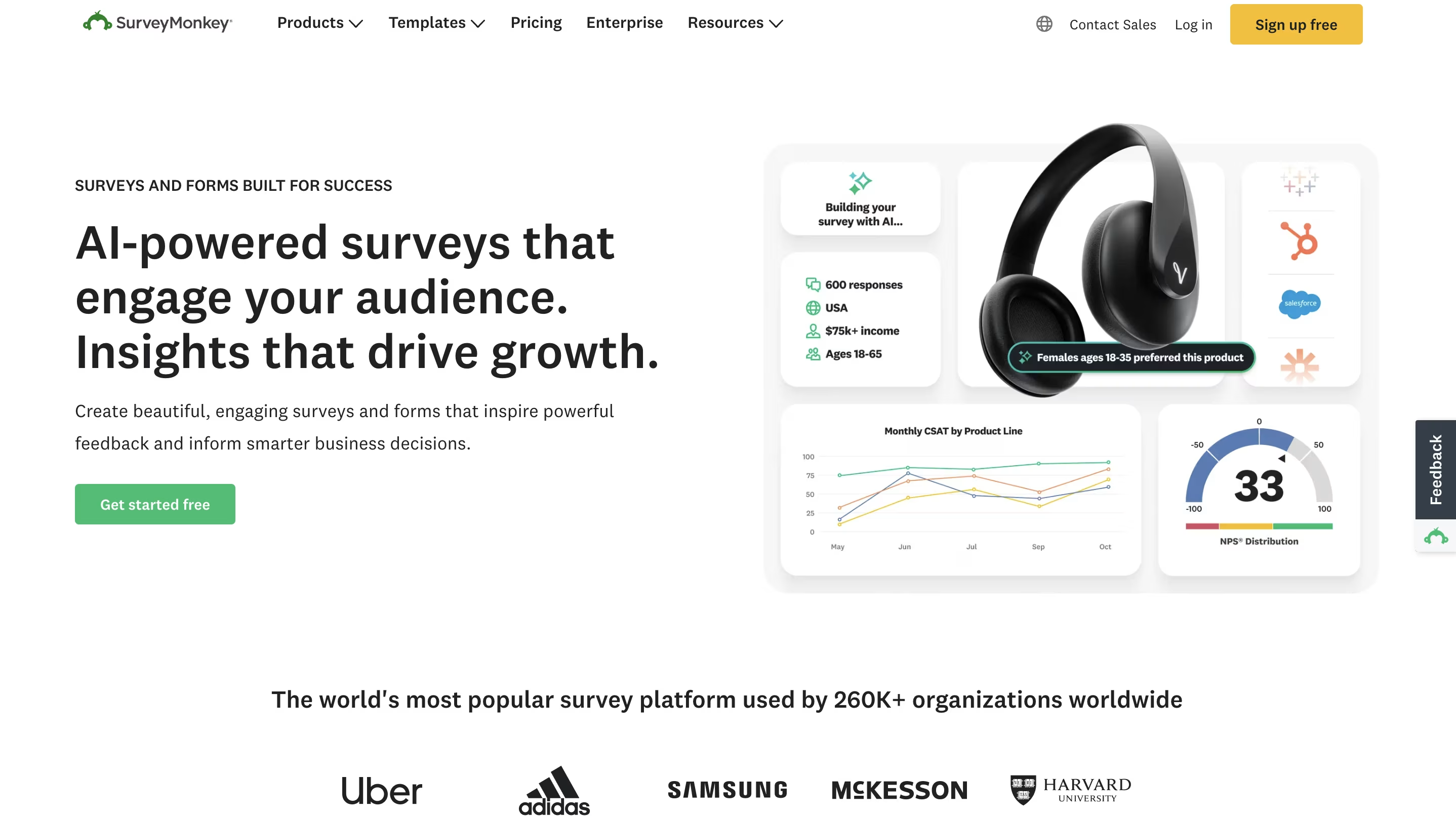
TINYpulse is still built for an ongoing feedback program. If all you need is a single survey, with no program around it, a general survey builder may be enough. SurveyMonkey is a general-purpose survey builder for teams that want full control over every question. HR teams use it for pulse and eNPS surveys when they want custom question types and templates, or when the company already uses SurveyMonkey for other surveys. You can switch on anonymous responses, build flexible reports, and connect it to other tools. There's a free Basic plan for a first survey.
Best for:
HR teams running occasional or highly custom surveys rather than an always-on listening program.
Not ideal for:
Ongoing engagement programs that need benchmarks, manager dashboards and action planning.
Standout features:
- A wide range of question types and templates
- Anonymous response settings
- Flexible reporting and integrations
Limitations:
- Not built for an ongoing listening program. There are no manager dashboards or action planning, so tracking engagement round to round and following up is up to you.
- The free plan is limited. Basic allows 1 user, 10 questions per survey and limited responses, which is fine for a small one-off survey but not for a company-wide pulse.
- Paid plans are priced per user, with a 3-user minimum. Team Advantage at $30 per user/month means at least $1,080 a year, billed annually.
- No anonymity threshold. You can make responses anonymous, but there's no minimum group size before results show, so on small teams you'll have to protect people's identity yourself.
- No HR features. It doesn't connect results to 1:1s, goals or reviews, so it stays separate from how managers actually work with their teams.
Pricing:
A free Basic plan (1 user, unlimited surveys, 10 questions per survey, limited responses). Team Advantage is $30 and Team Premier $92 per user/month, billed annually, with a 3-user minimum; Enterprise is custom.
Ask in the demo:
Which plan includes the employee-feedback templates and anonymity controls we need?
Still weighing which kind of tool you need? The three types work quite differently.
Standalone, all-in-one, or built into your HRIS?
Picking the right category saves you from demoing tools you’ll never buy.
Dedicated engagement platforms (Culture Amp, CultureMonkey, Workleap Officevibe, Perceptyx) go deepest on survey science, benchmarks and analysis. Choose one if listening is a program with an owner, not a side task.
All-in-one people platforms (ThriveSparrow, 15Five, Lattice) pair pulses with 1:1s, goals and reviews. Choose one if you want survey results in the same place managers run performance conversations.
HRIS-native surveys (Rippling, Gusto, Deel) are the cheapest to start, because your HR data is already there. Check whether they include the benchmarks, action planning and trend reporting you need before relying on them long term.
What is an employee pulse survey tool?
An employee pulse survey tool is software that sends short, recurring surveys, usually 5–10 questions weekly to monthly, to track employee engagement, sentiment and eNPS (employee Net Promoter Score) over time. Unlike an annual engagement survey, a pulse survey is built to be answered in minutes and acted on quickly, while there’s still time to respond.
Most modern pulse survey tools include:
- Anonymity thresholds: results only appear once a group reaches a minimum size, often 4–5 responses, so individuals can’t be identified.
- eNPS tracking to follow employee loyalty over time.
- Multi-channel delivery: email, Slack, Microsoft Teams, SMS or QR codes for employees without a work inbox.
- AI comment analysis: summaries and sentiment themes from open-text answers.
- Action planning: turning results into manager follow-ups with owners and dates.
- Benchmarks and trend dashboards by team, location and tenure.
- HRIS integrations that keep teams and managers in sync automatically.
How we evaluated these tools
Use these five questions in your own demos. They’re the ones that separate a listening tool from a form builder.
- Will employees trust it? Anonymity thresholds, confidential modes, and what admins can and can’t see (25%).
- Can HR run it without a project team? Setup, templates, scheduling, reminders and HRIS sync (20%).
- Does it produce useful insight? Trends, segmentation, benchmarks and AI comment analysis (20%).
- Can managers act on the results? Action plans, follow-ups and manager dashboards (20%).
- Does it reach your whole workforce? Mobile, SMS, QR, Slack or Teams, and languages (15%).
Our sources were vendor product pages, pricing pages and help-center documentation, checked in September 2026. Where a vendor only quotes on request, we say so instead of guessing. We did not accept payment from any vendor listed.
Pricing and feature details are current as of September 2026. Vendor pricing changes often, so confirm final numbers on each provider’s site before you buy.
Prefer a 90-second overview? Watch our walkthrough of four pulse survey tools.
Before you buy a dedicated tool, check what your HR system already includes.
Already on an HRIS? Try its built-in pulse surveys
If your payroll already runs in Rippling, Gusto or Deel, you may be able to start today at no extra cost.
- Rippling Surveys: engagement and pulse surveys with anonymous responses, AI sentiment analysis of comments, and automatic triggers such as 90 days after a hire. Results can be filtered by any Rippling HR field. It requires the Rippling platform, and pricing isn’t published.
- Gusto employee pulse surveys: automated, anonymous pulse surveys with pre-loaded questions and sentiment reports, free for Gusto customers.
- Deel Engage: engagement, pulse and custom surveys with anonymity controls and a trends dashboard. It’s sold only as part of the Deel Engage bundle (reviews, goals, surveys, development plans, learning, careers), and pricing isn’t listed. Deel also offers a free Slack pulse-survey plugin.
These are the fastest way to start. Move to a dedicated tool when you need benchmarks, manager action plans or deeper analysis. That doesn’t mean replacing your HRIS: ThriveSparrow syncs with Gusto, Deel and 50+ other HR platforms, and its integrations page lists which HRIS and payroll systems connect.
Also considered
These came up in our research, but pulse surveys aren’t their main job.
- Energage: best known for its Top Workplaces program. It offers pulse surveys and a workplace survey, and is a good fit if employer-brand recognition is a goal.
- Achievers: a recognition and rewards platform with engagement surveys; a better fit when recognition is the priority.
- Weekdone: an OKR tool with weekly check-ins, rather than a dedicated pulse survey platform.
- Leena AI: a conversational HR assistant that includes feedback collection; worth a look if you’re buying AI help-desk software for HR anyway.
8 questions to ask in every pulse survey demo
Vendors demo their best features. These questions surface the details that differ, based on what we found on their own pricing pages and help docs.
- What’s the minimum group size before results appear, and can we change it per team? Defaults vary: Officevibe shows team results from 3 respondents, Lattice and 15Five default to 5, and Viva Glint shows comments only from 10.
- Can we change confidentiality settings after a survey launches? On Culture Amp, you can’t.
- Which delivery channels are included at our tier (email, Slack, Teams, SMS, QR, WhatsApp, kiosk), and do text messages cost extra?
- What will we pay per year for our headcount, including minimums? Lattice has a $4,000 annual minimum, and Workleap prices plans by the year.
- Which HRIS do you sync with natively, and which fields can we filter results by?
- Which AI features are in our plan, and which are add-ons?
- What do managers see, and how do they turn results into actions?
- Which benchmarks are included, and how large is the comparison set?
Write each vendor’s answers side by side so you compare them on the same terms.
Rather check these answers yourself? Set up one pulse for one team, and you’ll see the anonymity settings, delivery channels and AI summaries first-hand.
Test these 8 answers in a 14-day trial.
5 rollout mistakes that sink pulse surveys
- Surveying faster than you can act. Gusto’s own guidance warns that this causes survey fatigue. Pick a cadence your managers can follow up on; our guide to what causes survey fatigue covers the five causes and how to prevent each.
- Filtering results into groups that are too small. Results stay anonymous only above the tool’s minimum. Gallup notes that reports typically need five or more responses.
- Not telling people what happens to their answers. Perceived anonymity drives honesty, so explain the threshold before the first pulse goes out.
- Collecting feedback with no follow-up plan. Share results and one action per team within weeks, not quarters.
- Reaching only desk workers. If part of your workforce has no work email, choose a tool with SMS or QR delivery before you launch. ThriveSparrow and CultureMonkey both offer it; here’s how QR-code survey access works.
You’ve now seen twelve tools, the HRIS options and the questions to ask. The last step is cutting the list to the two or three you’ll demo.
How to choose
Narrow the list by the system you already run. Workday points to Peakon, Microsoft 365 to Viva Glint, and Rippling, Gusto or Deel to their built-in surveys. Then narrow by who you need to reach and what you can spend.
If you have 50–1,000 employees, want published per-person pricing, and need to reach people outside email, start with ThriveSparrow, 15Five and Lattice. If you’re an enterprise with an analytics team, compare Culture Amp, Qualtrics and Perceptyx.
Before your demos, score your top three on anonymity, admin effort, insight, manager action and workforce reach using the five questions in “How we evaluated these tools”.
Run your first pulse this month. If you’re a 50–1,000-person team that needs to reach people beyond email, try ThriveSparrow on one team: pick a cadence, send by SMS, Slack or email, and see your response rate within the 14 days. If you need enterprise benchmarks and a people-science team instead, start with Culture Amp or Qualtrics.
Start your 14-day free trial or book a demo. Engage is $3 per employee/month after the trial (see pricing), and signup takes just an email and a password.
Frequently asked questions
1. What is the best survey tool for employee surveys?
It depends on your size and systems. For SMB and mid-market teams that want published per-person pricing, ThriveSparrow, 15Five and Lattice are strong starting points; CultureMonkey and ThriveSparrow also reach frontline employees by SMS and QR code. Enterprises with analytics teams usually compare Culture Amp, Qualtrics and Perceptyx. Workday and Microsoft 365 customers should look first at Peakon and Viva Glint.
2. What are employee pulse surveys?
Employee pulse surveys are short, recurring surveys, typically sent weekly, biweekly or monthly, that measure employee sentiment, engagement and satisfaction in real time. They’re designed to be quick to complete (often under 5 minutes), so teams can respond more often than they would to a long annual survey. If you’re planning your first one, our guide to running employee pulse surveys covers setting objectives, choosing 5–15 questions and closing the loop with employees.
3. Are employee pulse surveys really anonymous?
Most reputable pulse survey tools offer anonymous or confidential response modes. Many enforce a minimum response threshold (e.g., 4–5 responses) per group before showing results, specifically to protect individual identities. That said, true anonymity depends on how the tool is configured and how finely results are segmented, so always check a vendor’s specific anonymity safeguards before rolling out a survey.
For example, Lattice and 15Five default to 5 responses, Workleap Officevibe needs 3 respondents before showing team results, and Microsoft Viva Glint shows scores from 5 responses and comments only from 10. ThriveSparrow lets admins set a custom threshold and holds reports until it’s met.
4. What are some good questions to ask in an employee pulse survey?
Effective pulse survey questions are short, specific and repeatable, so you can track trends over time. Common examples include: “How likely are you to recommend this company as a place to work?” (eNPS), “Do you feel recognized for your contributions?”, “Do you have the resources you need to do your job well?” and “How would you rate your work-life balance this month?” For more, see our 101 employee pulse survey questions, grouped by topic. If you’re trialling ThriveSparrow, the pulse survey template loads 16 ready questions into your workspace.
5. How often should you send employee pulse surveys?
Most organizations send pulse surveys weekly, biweekly or monthly. Weekly surveys work well for fast-moving teams that want tight feedback loops; monthly cadences reduce survey fatigue for larger or more stable organizations. Survey only as often as you can act on the results. Our pulse survey best practices cover cadence, anonymity and sharing results.
6. What’s the difference between a pulse survey and an annual engagement survey?
A pulse survey is short and frequent, built for ongoing tracking. An annual engagement survey is long and comprehensive, built for a deep, point-in-time diagnosis. Most mature engagement strategies use both: an annual survey to set a baseline, and pulse surveys to track progress and catch issues between annual cycles. See our guide to employee engagement surveys.
7. How much do employee pulse survey tools cost?
Published prices for pulse-capable plans run from about $3 to $6 per employee or user per month, billed annually: ThriveSparrow Engage $3, 15Five Engage $4, Lattice Engagement $4 (with a $4,000 annual minimum), and Microsoft Viva Glint inside a $6 Viva plan. Workleap Officevibe prices its annual plans from $4,999 per year. Culture Amp, CultureMonkey, Qualtrics, Workday Peakon and Perceptyx quote on request, and SurveyMonkey has a free Basic plan for simple one-off surveys. Prices checked September 2026.
8. Which pulse survey tools offer AI sentiment analysis?
Most modern platforms now summarize open-text comments with AI:
- ThriveSparrow includes AI sentiment analysis in Engage; its Text Insights view scores comments and ranks topics by impact once a survey has at least 10 text responses.
- Culture Amp has AI Comment Summaries and an AI Coach.
- Microsoft Viva Glint uses Microsoft 365 Copilot to summarize comment topics.
- Workday Peakon offers Gen-AI themes and summaries.
- Qualtrics has automated theme detection.
- Perceptyx has a Narrative Analysis Agent.
- CultureMonkey offers the AskCooper AI copilot.
- Rippling and Gusto include sentiment analysis in their built-in surveys.
To judge AI claims beyond these one-liners, our guide to employee sentiment analysis tools lists five things to test, from topic-level accuracy to anonymity and integrations.