












Honest employee feedback is one of the most powerful signals an organization can act on but only if employees feel safe enough to share it.
Research shows that nearly 60% of employees self-censor at work, holding back opinions that could help managers make better decisions. The main reason? Fear of retaliation or judgment.
That's exactly where anonymous feedback tools come in. By removing the link between a response and a name, these platforms unlock candid, unfiltered perspectives that traditional surveys simply can't capture.
In this guide, we've rounded up the 10 best anonymous feedback tools for employees in 2026 covering free options, enterprise-grade platforms, and everything in between so you can find the right fit for your team.
Anonymous employee feedback surveys are necessary for several reasons:
- Anonymous employee surveys allows respondents to participate and comment honestly and in a transparent manner.
- It removes the fear of being judged.
- Running anonymous surveys removes bias and lets anybody regardless of their role have an equal opinion during decision-making processes.
- Eliminates social desirability bias.
- Useful for getting honest feedback on various organizational procedures and practices.
Before you begin your hunt for the best anonymous feedback tools to collect unbiased employee feedback, make sure to have a list of features you would like to have in them. It makes the search process much more fruitful.
So let's dive in.
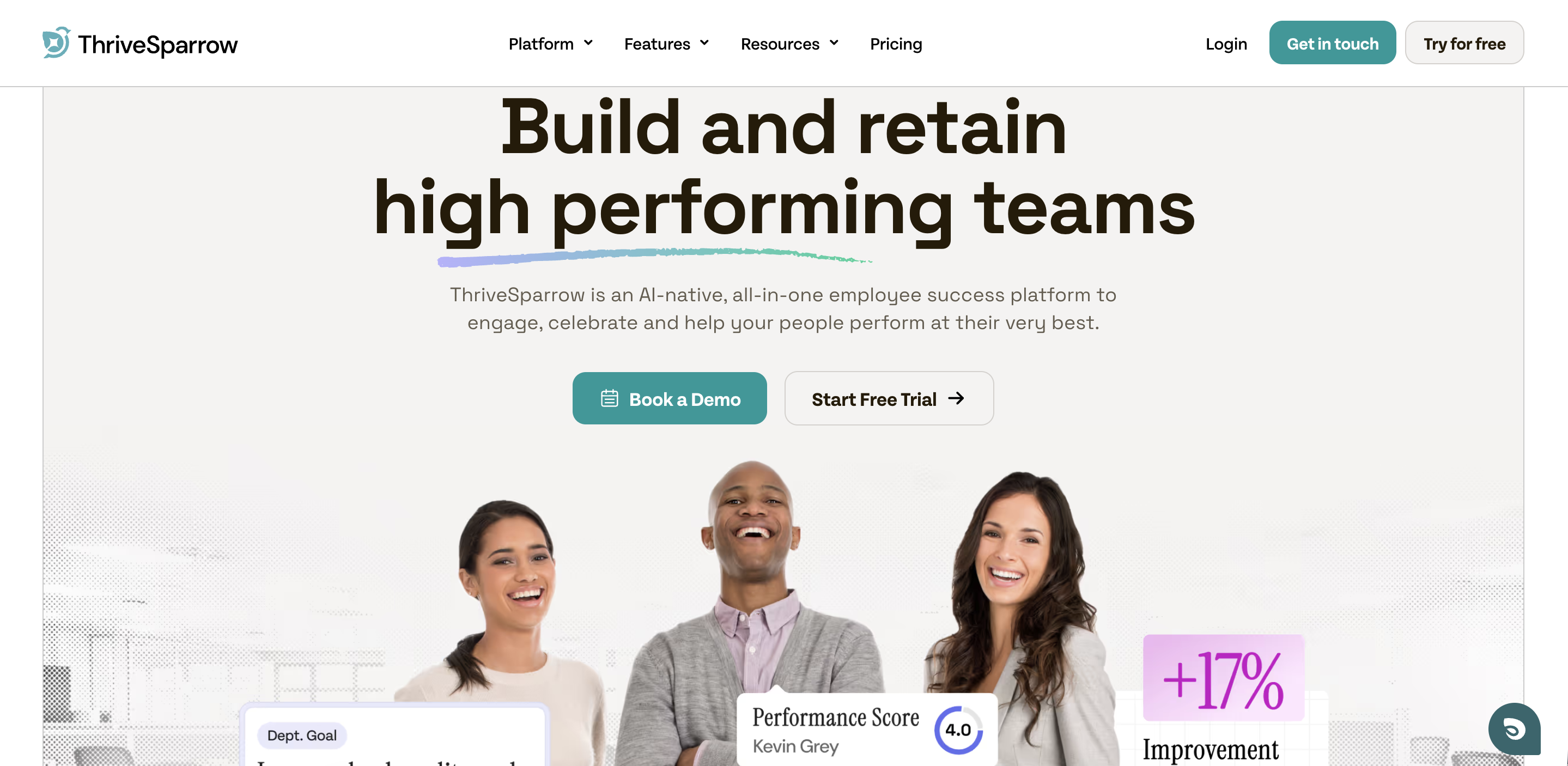
ThriveSparrow is one of the many in the market that provides anonymity in its surveys along with Text Insights. With this feature, you can delve deeper into what your employees think and know what areas to address first and what you can set aside for later.
Each category can be opened further to view various anonymous comments that tells you more about your employees' perceptions.
ThriveSparrow has:
- Intuitive and User-Friendly Interface: ThriveSparrow's interface eases the process of collecting feedback. Users can effortlessly browse the platform to develop, distribute, and evaluate surveys without facing extra complications.
- Configurable Survey Templates: The platform offers a variety of configurable survey templates to meet different feedback needs. Users can simply adapt surveys to meet their individual requirements, whether they are gathering employee feedback, customer satisfaction ratings, or market research data.
- Anonymity Options: ThriveSparrow promotes anonymity by allowing respondents to submit comments without disclosing their names. This promotes honest comments, allowing businesses to gain true insights into staff feelings, customer experiences, and more.
- Robust Reporting and Analytics: ThriveSparrow provides powerful reporting and analytics capabilities for converting feedback data into meaningful insights.
Pros
- Purpose built for HR teams with anonymity as a core guarantee, not an afterthought
- AI powered Text Insights surface themes and priorities automatically from open-ended responses
- One-click action plans let managers move from survey results to task assignments without switching tools
- Pulse surveys and eNPS built in natively, no configuration needed
- Real-time dashboards track engagement trends over time
Cons
- Primarily built for employee feedback less suited for customer or market research surveys
Best for: HR teams at small-to-mid-sized companies wanting a direct path from anonymous
Pricing
.svg)
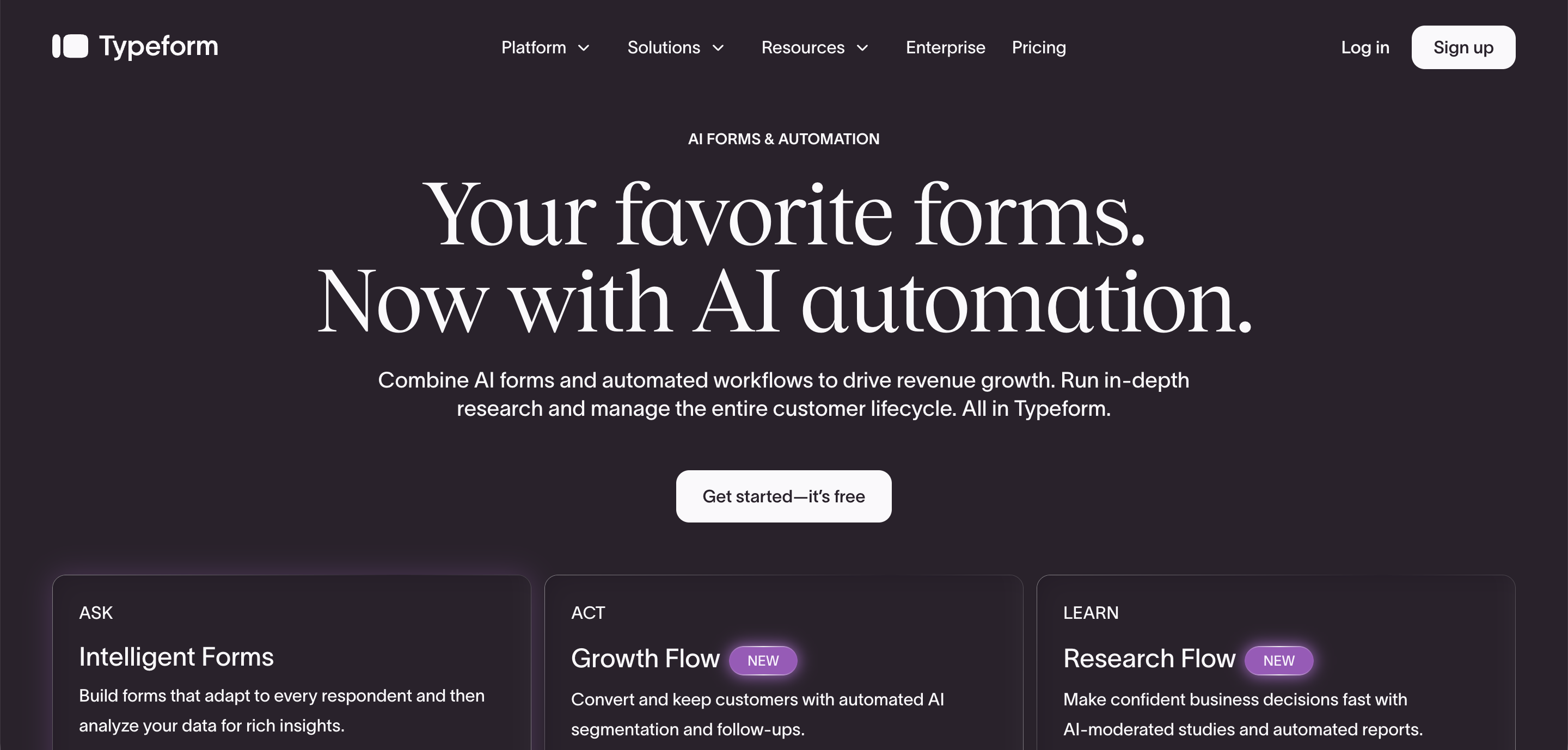
Typeform provides surveys builders and templates for a variety of industries, roles, and use-cases. For example, in the case of HR, Typeform offers multiple templates such as 360-feedback forms, CV application forms, and Career Development surveys ensuring they have everything they need, their employees included.
Typeform lets you create surveys that are anonymous by default. It also has a conversational survey interface, a variety of question types, conditional logic, and integration capabilities, making it perfect for building personalized and engaging feedback surveys.
Typeform provides:
- Interactive Survey Experience: Typeform's conversational survey interface provides interesting feedback experiences for respondents. By presenting questions in a conversational style, the platform increases user engagement and encourages more meaningful replies.
- Versatile Question Formats: Typeform's question forms are broad, including multiple-choice, open-ended, and rating scales. This enables users to create surveys that capture a variety of feedback kinds and preferences, resulting in comprehensive data collecting.
- Smart Survey Adaptation with Conditional Logic: The platform uses conditional logic to tailor the survey experience based on respondent replies. This feature allows users to construct dynamic surveys that react to individual replies, resulting in a more personalized and meaningful feedback experience.
Pros
- Conversational, one-question-at-a-time format dramatically increases completion rates
- Anonymous by default no extra configuration required
- Conditional logic allows dynamic surveys that adapt to each respondent's answers
- Wide variety of question types including NPS, rating, ranking, and file upload
- Strong integration ecosystem with Slack, HubSpot, Google Sheets, Zapier, and 500+ apps
Cons
- Not purpose-built for employee feedback, lacks pulse surveys, eNPS, or HR-specific workflows
- Higher tiers get expensive for large organizations
- Analytics are basic compared to dedicated HR feedback platforms
- No built-in action planning or performance management features
Best for: Organizations that prioritize a beautiful, high-engagement survey experience and need flexible, multi-purpose form building.
Pricing
Basic plan starts at $25/month

Vevox is a tool for getting feedback in hybrid meetings, classes and events. It supports live polling, Q&A sessions, and sentiment analysis using word cloud capabilities, promoting active engagement and inclusive feedback collecting in a variety of scenarios.
You can consider this tool if you want to get feedback from thousands of employees in your organization, however, the evaluating capability is limited in its reports and aren't as detailed and insightful as other providers.
Vevox provides:
- Hybrid Accessibility: Vevox is tailor-made for hybrid meetings, courses, and events. Its features accommodate both in-person and remote players, ensuring equitable involvement and engagement.
- Interactive Features: Vevox supports live polling and Q&A sessions, which allow users to submit anonymous feedback in real-time. This encourages active involvement and guarantees that all opinions are heard, regardless of geography.
- Insight Visualization: The platform has a word cloud function that visualizes participant thoughts and opinions. This enables administrators to swiftly assess general mood and discover major themes or subjects for debate.
- Efficient Feedback Management: Vevox offers real-time replies and reporting features, allowing administrators rapid access to participant comments.
Pros
- Excellent for real-time polling and anonymous Q&A in hybrid meetings and large events
- PowerPoint add-in lets presenters run live polls without leaving their slide deck
- Upvoting on anonymous questions helps surface the most relevant topics organically
- Scales well for thousands of simultaneous participants
- Integrates natively with MS Teams and Office 365
Cons
- Reports lack depth limited analytics and visualization for longitudinal employee feedback
- Not designed for ongoing employee engagement surveys or performance management
- Anonymous questions have a limited character count, reducing context quality
- Mobile app experience is less polished than desktop
- No notification to employees when their anonymous question has been answered
Best for: Event organizers, L&D teams, and managers who need real-time anonymous engagement in meetings or presentations not for ongoing feedback programs.
Pricing
Starts from $10.95/month.
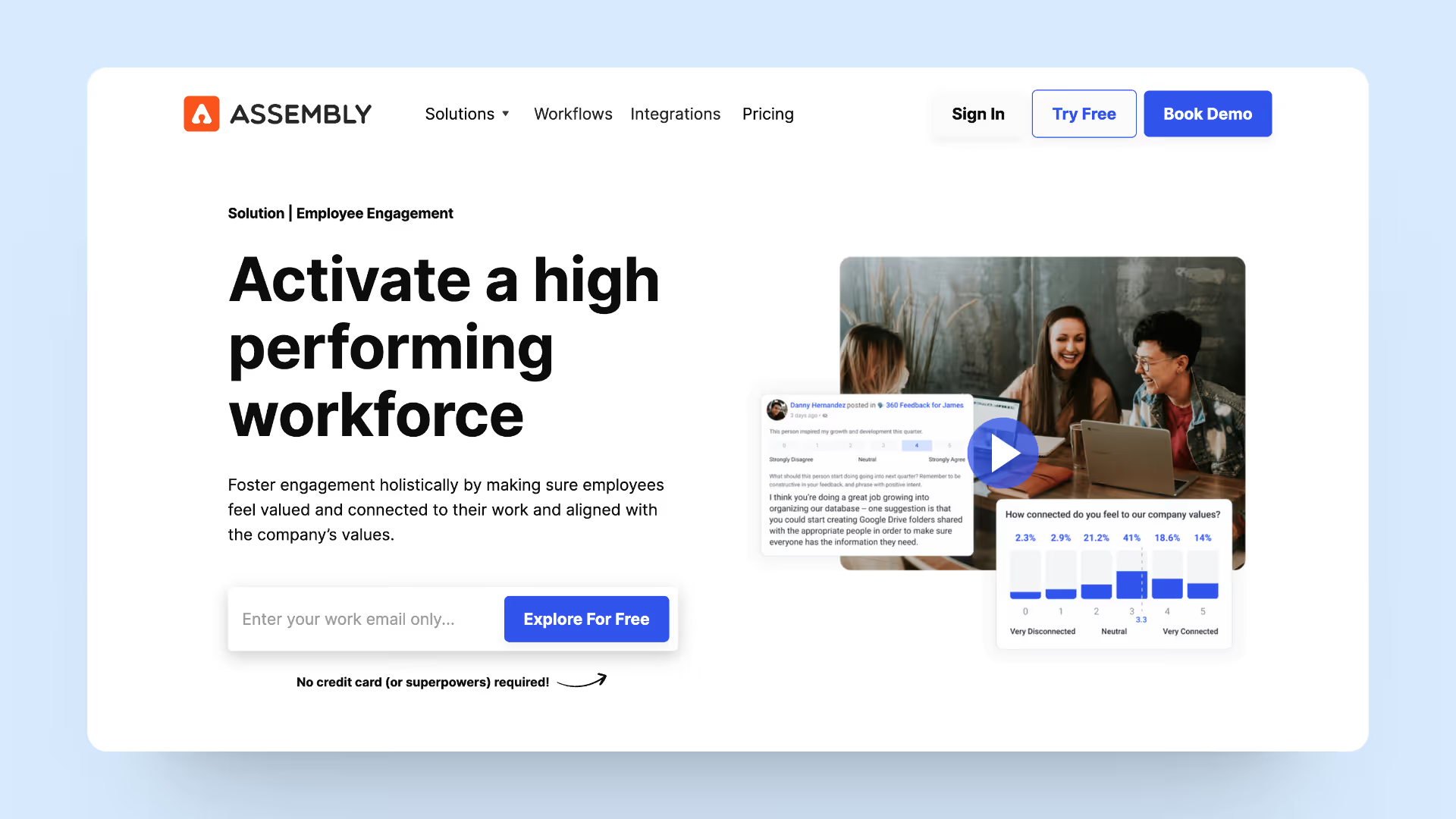
Assembly offers a straightforward platform that enables administrators to simply personalize feedback forms. Its user-friendly design allows for rapid and easy form building.
Its smart assistant Dora AI can help you find information quickly and summarize documents in seconds.
Assembly offers:
- Data Visualization: The platform provides visual representations of response data, such as charts and graphs, to help administrators examine feedback trends and patterns.
- Anonymity in Feedback: Assembly has various options for anonymous comments, which allow respondents to express feedback without disclosing their identify. This encourages honest and sincere comments, resulting in more real feedback.
- Security and Privacy: Assembly prioritizes data security and privacy, ensuring that feedback data is safely and privately kept. This builds trust and confidence among responders, promoting engagement and feedback.
Pros
- Very affordable entry price one of the cheapest options on this list
- Dora AI assistant helps employees find answers and summarize documents quickly
- Simple, low-friction form building suitable for non-technical HR admins
- Anonymous feedback options reduce response bias
- Combines feedback with recognition and rewards features in one platform
Cons
- Analytics and reporting are less powerful than dedicated survey tools like SurveyMonkey
- Limited depth for complex employee engagement programs or 360-degree feedback
- AI features are newer and less mature compared to established competitors
- Smaller integration library than Typeform or SurveyMonkey
- May feel lightweight for large enterprises with complex HR needs
Best for: Small to mid-sized teams wanting an affordable, all-in-one employee recognition and feedback platform without enterprise complexity.
Pricing
Starts from $4.50

SurveyMonkey is a flexible survey platform that allows you to create bespoke surveys, use many languages, get powerful reporting and analytics, and integrate with other platforms. It gives businesses access to a large collection of ready-made templates, making it simple to develop surveys for a variety of feedback requirements.
Another unique feature of SurveyMonkey is that it helps you autofill survey questions, thereby eliminating bias and letting you capture accurate data. Overall, it lets you build better surveys faster.
SurveyMonkey offers:
- Customized Survey Creation: SurveyMonkey provides a flexible platform for building customized surveys. Its simple interface enables administrators to create surveys that address specific feedback requirements and objectives.
- Multilingual Survey Support: Multilingual features for inclusive feedback collection: The platform enables multilingual surveys, allowing companies to get input from a variety of respondent groups. This promotes inclusion and accessibility for all participants.
- Advanced Analytics: SurveyMonkey offers thorough results with filtering tools, allowing administrators to categorize responses based on a variety of parameters. This permits an in-depth study of feedback trends and patterns.
Pros
- Industry-leading template library with 250+ pre-built survey templates
- Advanced analytics with filtering, cross-tabulation, and benchmarking against industry data
- Skip logic and question randomization improve data quality and reduce bias
- Multilingual survey support for global teams
- Massive integration ecosystem including Salesforce, HubSpot, Mailchimp, and Microsoft Teams
Cons
- Full integration capabilities are locked behind the expensive Enterprise tier
- Not purpose-built for employee feedback HR-specific features require add-ons or workarounds
- Anonymity is configurable but not a primary design focus like in dedicated HR tools
- Can feel overly complex for simple pulse surveys or quick feedback loops
- Pricing scales steeply for teams needing advanced features
Best for: Teams needing rigorous, data-driven surveys with strong analytics and benchmarking, especially where cross-departmental or customer feedback is also involved.
Pricing
Starts at $10.79/month
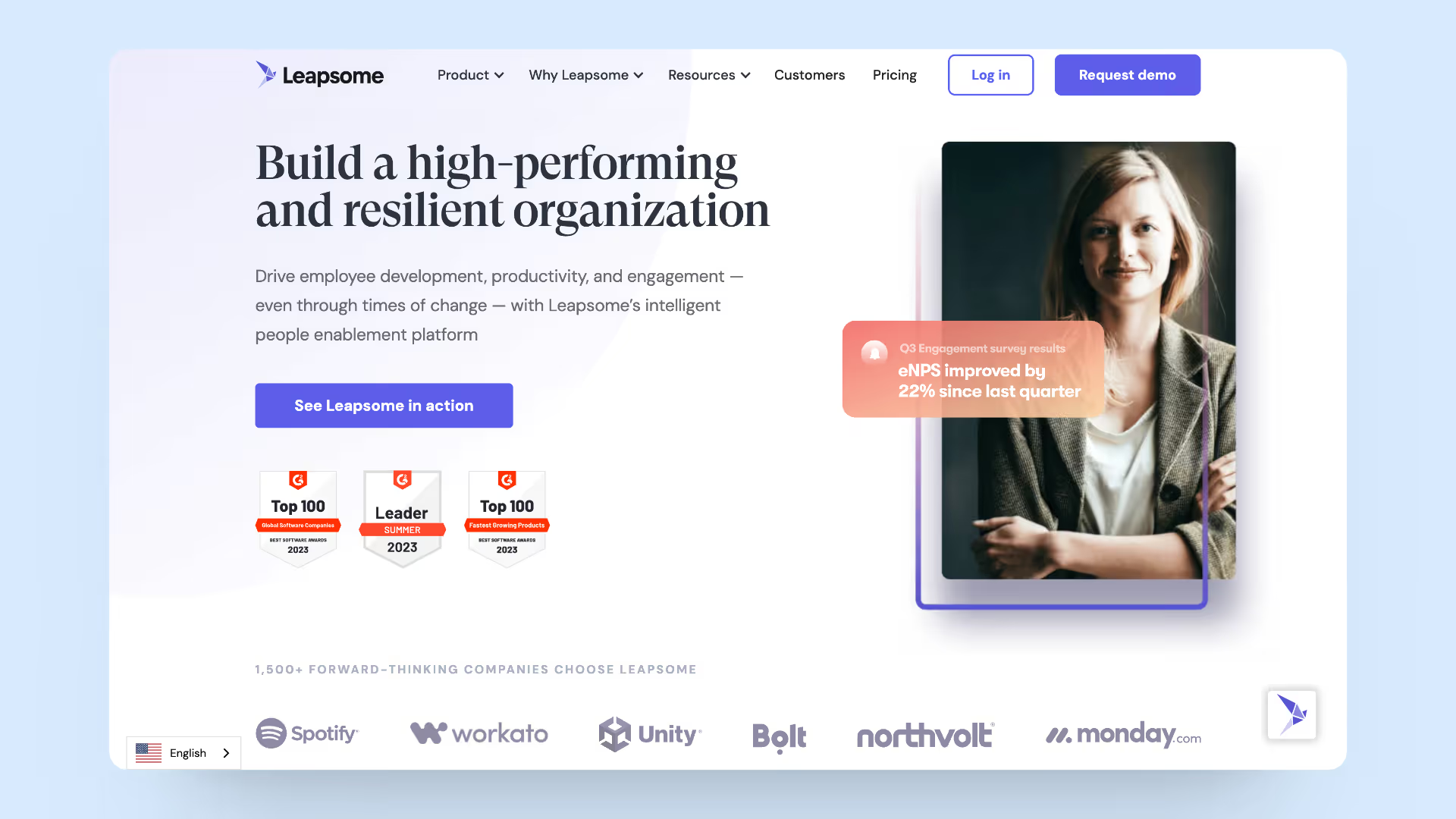
Leapsome specializes in continuous performance management, including features like as 360-degree feedback, employee engagement surveys, learning and development tools, and bespoke dashboards and analytics.
Its goal is to build a culture of growth and development inside firms using data-driven performance management procedures.
Key Features
- Continuous Performance Management: Leapsome provides a full platform for managing performance, including goal setting, feedback, and evaluations. This promotes a culture of growth and development in companies.
- 360-Degree Feedback: The platform enables 360-degree feedback procedures, which allow workers to get input from a variety of sources, including peers, supervisors, and direct reports. This offers a comprehensive perspective of performance and encourages self-awareness.
- Employee Engagement Surveys: With Leapsome, employers can assess employee happiness, identify areas for development, and drive employee engagement programs.
- Learning and Development Tools: Leapsome offers tailored learning programs, training materials, and skill evaluations. This contributes to staff growth and skill development.
- Configurable Dashboards and Reports: The platform provides configurable dashboards and reports that provide information about performance, engagement, and feedback. This allows for data-driven decision-making and strategy building.
Pros
- All-in-one people enablement platform: reviews, OKRs, surveys, 1:1s, and learning in one system
- 360-degree feedback with optional anonymity from peers, managers, and direct reports
- Connects feedback directly to performance cycles and goal tracking
- Strong benchmarking database to compare engagement scores across industries
- AI-powered insights save time in analysis and reporting
Cons
- Anonymity is not the core focus employees sometimes need extra reassurance their input is truly private
- Pricing is opaque and typically enterprise-level, making it inaccessible for smaller teams
- Complex setup and onboarding — requires significant configuration time
- Overkill for organizations only needing anonymous pulse surveys
- Feature bloat can overwhelm HR teams that don't need the full performance suite
Best for: Mid-to-large enterprises wanting feedback tightly integrated with performance management, OKRs, and learning not just a standalone survey tool.
Pricing
Available on request.

WorkTango specializes in anonymous employee feedback and pulse surveys to assess engagement, work experiences, and business culture. It offers powerful reporting and analytics capabilities, multilingual surveys, and seamless connection with HRIS and communication systems to ease data administration.
Key Features
- Anonymous Employee input: WorkTango allows employers to collect anonymous employee input on engagement, work experiences, and corporate culture. This fosters open communication and transparency in the workplace.
- Pulse Surveys: The platform enables firms to run regular pulse surveys to collect real-time feedback and monitor changes in employee mood over time. This allows for proactive replies to staff complaints and issues.
- Advanced Analytics: WorkTango offers extensive reporting and analytics capabilities that provide insight into employee feedback data. Administrators may monitor trends, identify opportunities for improvement, and assess the effectiveness of engagement programs.
Pros
- Specializes in anonymous employee feedback and pulse surveys for engagement measurement
- Advanced analytics with trend tracking to monitor sentiment changes over time
- Multilingual survey support for diverse, global workforces
- Seamless HRIS integrations with Workday, BambooHR, and others
- Real-time pulse surveys enable proactive responses before issues escalate
Cons
- Pricing is custom and not publicly listed, creating friction during evaluation
- Less brand recognition than SurveyMonkey or Typeform, which can slow internal adoption
- Limited use case beyond employee engagement — not suited for customer or event feedback
- Reporting dashboards can feel complex for first-time users
- May require dedicated HR bandwidth to manage ongoing survey programs effectively
Best for: HR and People teams at mid-to-large companies focused specifically on measuring and improving employee engagement with anonymous pulse surveys.
Pricing
Available on request.
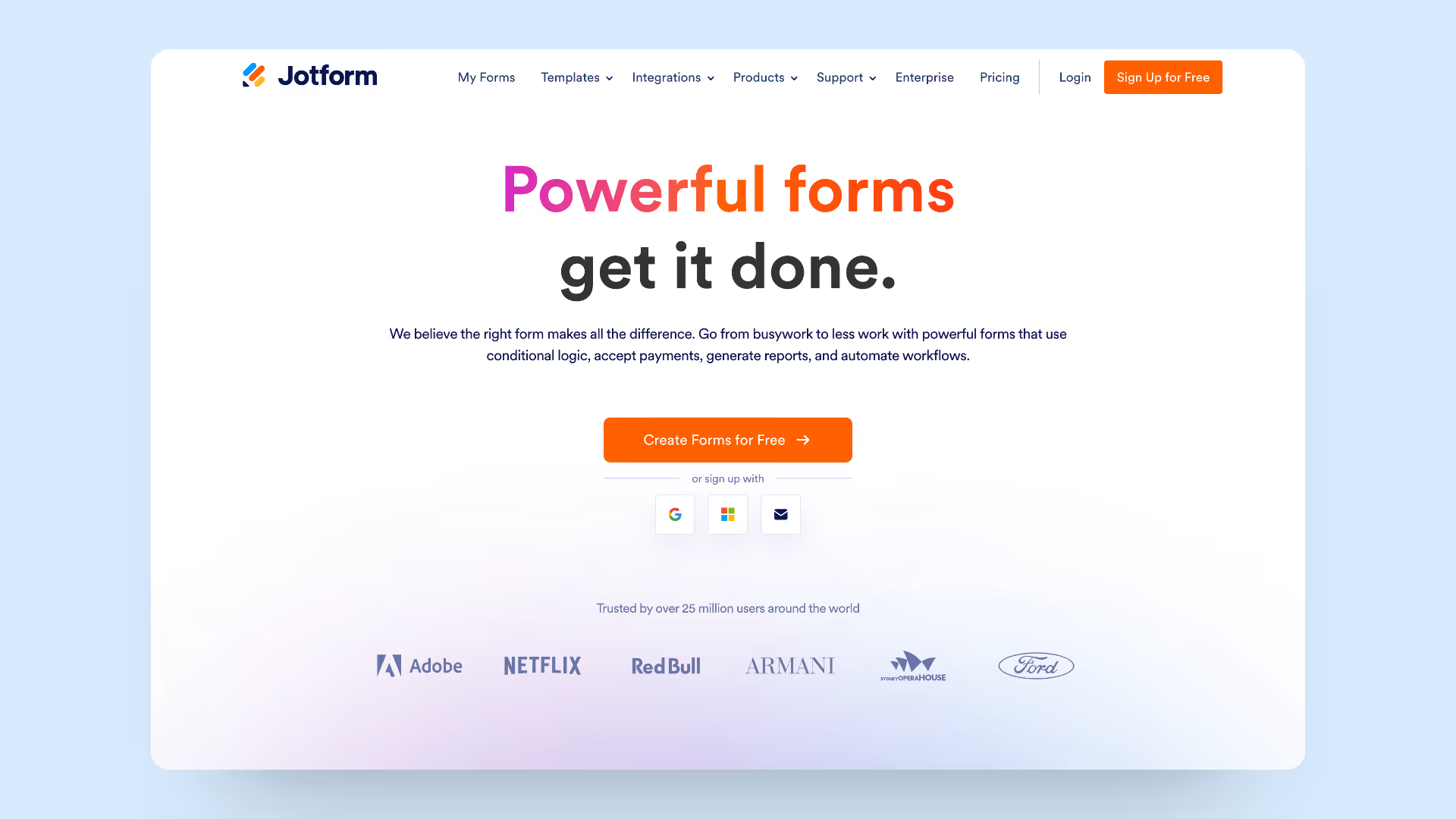
Jotform is a robust form builder noted for its diverse question kinds, customization possibilities, and integration skills. It allows for anonymous feedback, real-time reaction monitoring, and easy connection with other tools to improve functionality.
Key Features
- Customizable Form Builder: Jotform provides a flexible form builder with a variety of question formats, such as multiple choice, open-ended, and rating scales. This enables businesses to develop feedback forms that are specific to their requirements.
- Anonymous Feedback Options: The platform supports anonymous feedback, allowing respondents to submit feedback without disclosing their identify. This encourages honest and frank replies.
- Integration with Other products: Jotform works seamlessly with other products and platforms, allowing businesses to streamline data management and automate operations. Integrations with CRMs, email marketing software, and project management tools improve functionality and performance.
Pros
- Extremely flexible form builder with 10,000+ templates for virtually any use case
- Strong anonymity options, easy to configure forms to strip all identifying data
- Integrates with 100+ apps including CRMs, project management tools, and payment platforms
- No coding required drag-and-drop builder accessible to anyone
- PDF and report generation makes sharing results straightforward
Cons
- Not purpose-built for employee feedback lacks HR-specific features like eNPS or pulse scheduling
- Paid plans start at $34/month, which is higher than several competitors
- Analytics are basic limited insight visualization for longitudinal trends
- Storage and submission limits on lower tiers can be restrictive for large teams
- No built-in action planning or follow-up workflow features
Best for: Operations, admin, and HR teams wanting a highly flexible, template-rich form builder for occasional feedback collection without committing to a dedicated platform.
Pricing
Plan starts at $34/month.

Survicate is a flexible survey builder that includes adjustable templates, multi-channel feedback collecting, real-time feedback analysis, platform connection, and sophisticated targeting. It seeks to deliver actionable insights from feedback data to aid in informed decision-making.
Key Features
- Flexible Survey Creation: Survicate is a malleable survey builder that includes over 100 configurable templates for quick and easy survey production. This enables businesses to develop polls suited to their unique feedback requirements.
- Multi-Channel Feedback Collection: The platform allows you to gather feedback through a variety of channels, such as online surveys, smartphone surveys, and chat surveys. This enables a wider reach and accessibility for gathering comments from various responder groups.
- Real-Time Insights: Survicate offers real-time feedback analysis and reporting, enabling businesses to obtain quick insights into feedback data and trends. This allows for timely decision-making and reaction to feedback responses.
- Seamless Integration: Survicate readily interacts with a variety of platforms and applications to improve functionality and streamline data administration.
Pros
- Multi-channel feedback collection: web, in-app, mobile, email, and chat all in one platform
- 100+ customizable templates covering NPS, CSAT, CES, and more
- Real-time feedback analysis with instant reporting as responses come in
- Advanced targeting lets you trigger surveys based on user behavior and attributes
- Good integrations with HubSpot, Intercom, Segment, and major CRMs
Cons
- Pricing starts at $53/month, making it one of the pricier options on this list
- More focused on product and customer feedback than employee feedback use cases
- Customization options for survey design are limited — restricted branding flexibility
- Free tier is insufficient for any meaningful feedback program
- Advanced analytics can feel underpowered compared to enterprise competitors like Qualtrics
Best for: Product and customer success teams collecting multi-channel feedback from users — less ideal as a primary employee feedback tool.
Pricing
Starts at $53/month.
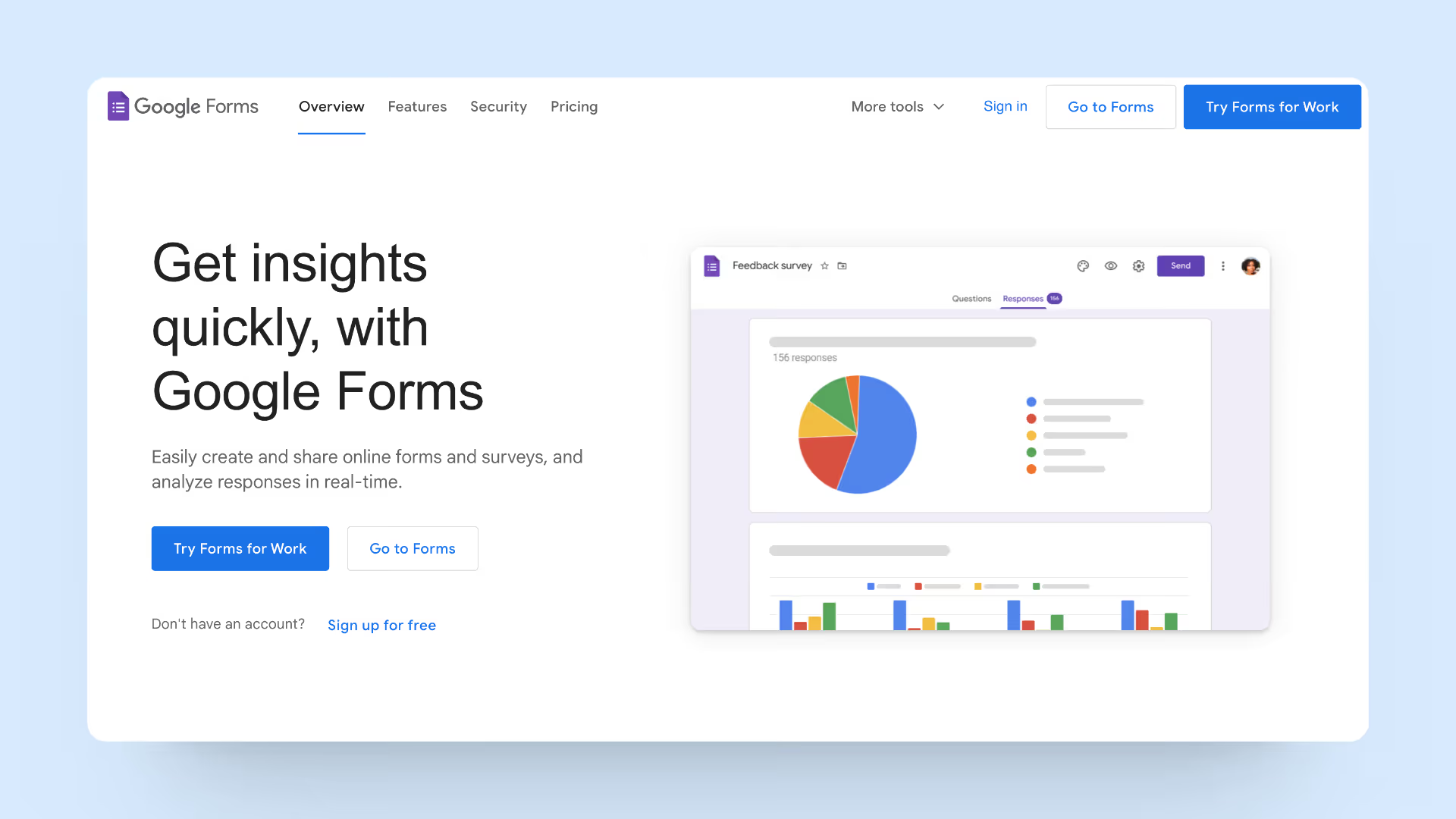
Google Forms is a user-friendly survey tool that offers customizable surveys, seamless integration with Google Workspace, real-time response monitoring, accessibility from any device, and a focus on data protection and privacy. It's a simple and cost-free way to gather input from a wide range of respondents.
Key Features
- Integrated Workflow: The platform connects smoothly with other Google Workspace applications, such as Google Sheets and Google Drive, allowing for easy data management and collaboration. This guarantees that feedback data is easily accessible and shareable across teams.
- Live Monitoring Capabilities: Google Forms supports real-time response monitoring and analytics, allowing companies to analyze feedback contributions as they arrive. This allows for more quick responses to comments as well as the identification of trends and patterns.
- Accessibility and Convenience: Google Forms is accessible from any device with an internet connection, allowing respondents to submit feedback from anywhere and at any time. This enables a wider reach and accessibility for gathering comments from various responder groups.
Pros
- Completely free with no response or user limits
- Zero setup time — anyone with a Google account can build and share a survey in minutes
- Seamless integration with Google Sheets for automatic data export and analysis
- Accessible from any device with no app installation required
- Virtually no learning curve for respondents or admins
Cons
- No native anonymity guarantee Google can technically link responses to accounts if users are signed in
- Zero HR-specific features: no pulse scheduling, eNPS, action plans, or engagement analytics
- Very limited question logic and branching compared to paid tools
- Reporting is basic just charts, no dashboard or trend analysis
- No automation, reminders, or segmentation features
- Not suitable for serious, ongoing employee engagement programs
Best for: Very small teams or individuals needing a quick, one-off survey with no budget — not a substitute for a real employee feedback platform.
Pricing
100% free
Anonymous Feedback Tools Quick Comparison Table
Final Thoughts: Which Anonymous Feedback Tool Is Right for You?
The best anonymous feedback tool for your organization depends on three things: the size of your team, the depth of insights you need, and your existing tech stack.
- If you're looking for a purpose-built employee feedback platform with anonymity guarantees, pulse surveys, eNPS, and AI-powered insights all in one place ThriveSparrow is purpose built for exactly that. It's used by HR teams that want to go beyond basic surveys and actually understand what's driving employee sentiment.
- If you need a free, fast solution for a small team, Google Forms is a perfectly capable starting point. And if conversational survey design matters to you, Typeform is the standout choice.
- Whatever you choose, the most important thing is that your employees trust the anonymity of the tool because the moment they don't, response rates drop and the data loses its value.
Ready to see how ThriveSparrow handles anonymous feedback? Start your free 14-day trial no credit card required.


